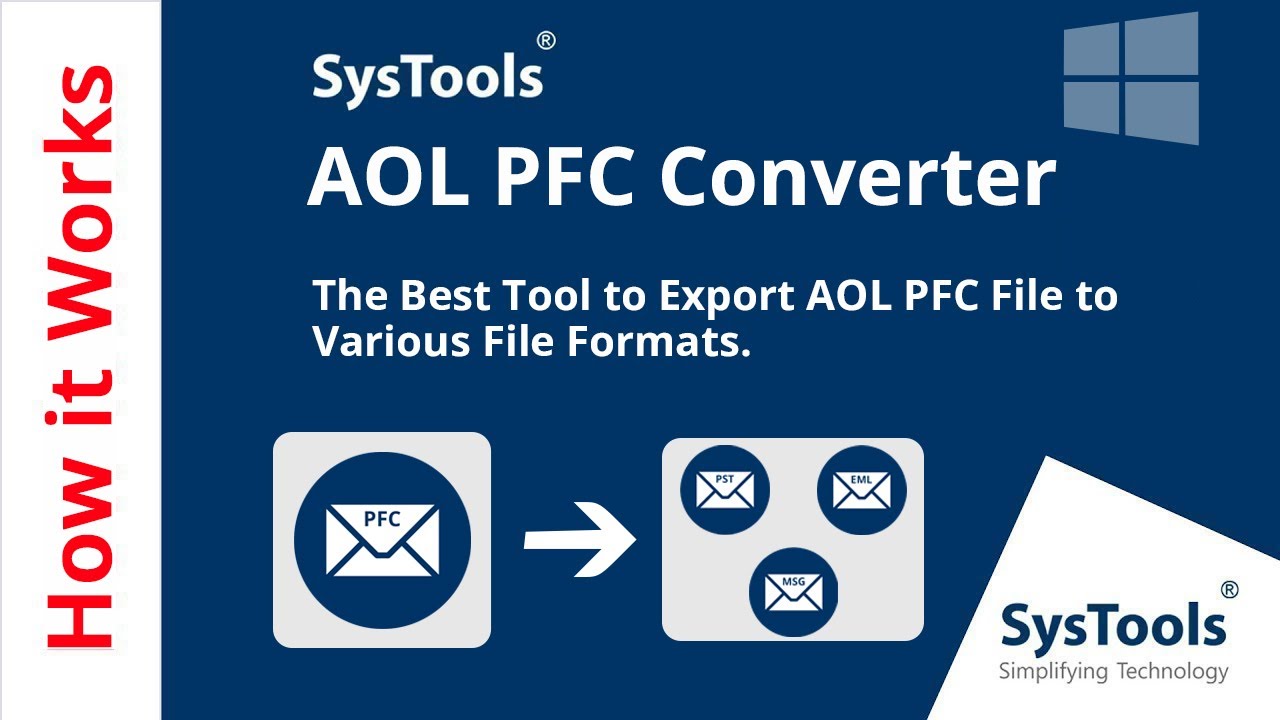
Learn the complete working of SysTools AOL PFC Converter. Convert AOL PFC files into PST, EML, MBOX, PDF and more with full accuracy. Covers features, process and output options. Duration: 5 min.
Video Transcript
In this video we explain the complete working of SysTools AOL PFC Converter Software. This tool is specially designed to help users convert AOL PFC files into multiple file formats with complete accuracy.
An AOL PFC file, also called a Personal Filing Cabinet, is a proprietary storage format used by AOL's desktop software to hold your emails, attachments, contacts and other account data. Since PFC is an AOL-specific format, you cannot open it directly in other email clients like Outlook or Thunderbird without first converting it.
SysTools AOL PFC Converter solves this problem. It lets you export your AOL PFC data into widely supported formats so you can use your old AOL emails in any modern email application.
To get started, download SysTools AOL PFC Converter from systoolsgroup.com and install it on your Windows PC. Launch the software after installation.
In the software interface, click Add File to load your AOL PFC file. The software immediately reads and displays a preview of all the data stored in the file, including your email folders, individual messages with their attachments and any contacts stored in the PFC.
Browse through the preview to check your data. Select the folders or specific emails you want to convert. You can select all items or just specific ones.
Next, choose your output format from the list. SysTools AOL PFC Converter supports PST for Outlook, EML for general email clients, EMLX for Apple Mail, MSG, MBOX for Thunderbird and other clients, PDF for archiving, HTML and several other formats.
Configure any additional settings such as date filters if you only want to export emails from a specific time period. Then set the destination folder where your converted files will be saved. Click Export to begin.
The software processes your PFC file and converts all selected items into the chosen format. Once the conversion is complete, open the output folder to access your converted emails and verify the results.
Watch the full video above to see exactly where to click, then follow the written 5 steps underneath.
What you'll see in this video
- Installing the 4n6 AOL PFC Converter on Windows
- Browsing to your .pfc file
- Previewing folders and messages inside
- Picking the destination format (PST, MBOX, EML or PDF)
- Setting the destination folder and starting the export
What is an AOL PFC File?
An AOL PFC file (Personal Filing Cabinet) is a proprietary storage format created by AOL for its desktop email software. It holds your entire AOL mailbox locally: emails, attachments, contacts and folders. The PFC format is exclusive to AOL software and cannot be opened directly by Outlook, Thunderbird or any other standard email client. SysTools AOL PFC Converter reads your PFC file and exports it to widely supported formats like PST, EML, MBOX and PDF so you can access your old AOL data in any modern application.
11 Steps to Convert AOL PFC Files
Follow along with the video above as you work through these steps. As shown in the clip, watch how the tool reads .pfc files without needing the original AOL Desktop client installed.
- Go to systoolsgroup.com and download SysTools AOL PFC Converter.
- Run the installer and follow the on-screen steps to install the software on your Windows PC.
- Launch SysTools AOL PFC Converter from the desktop shortcut or Start menu.
- Click Add File to load your AOL PFC file from your computer.
- The software loads and shows a preview of your PFC data including emails, attachments and contacts.
- Select the folders or items you want to include in the conversion.
- Choose your output format from the list: PST, EML, EMLX, MSG, MBOX, PDF, HTML and more.
- Configure any additional settings such as date filters or naming options.
- Browse and select the output destination folder for the converted files.
- Click Export to start the conversion process.
- Open the output folder once conversion is complete to access and verify the converted files.
Things to Keep in Mind
- SysTools AOL PFC Converter runs on Windows. Make sure your system meets the minimum requirements listed on the systoolsgroup.com product page before downloading.
- The software works directly with PFC files. You do not need AOL software installed on your PC to run the conversion; just the PFC file itself.
- Always preview your data before converting. The preview lets you check that the software has read your PFC file correctly and that all folders and emails are showing as expected.
- SysTools offers a free trial version that lets you preview and convert a limited number of emails. Check the product page for the exact trial limitations and pricing for the full version.
- The original PFC file is never modified during the conversion. The software only reads the source file and creates new output files in your chosen format, so your original data stays safe.
Tips for a Smooth Conversion
- Choose your output format based on where you want to use the emails. Use PST if you are importing into Outlook, MBOX for Thunderbird or Apple Mail, and PDF if you just want a readable archive you can share or print.
- If your PFC file is very large, use the date filter option to export emails in batches by year or month. This keeps output files manageable and easier to organise afterward.
- Make sure you have enough free disk space at your output destination before starting. Converted files in formats like PST or EML can be significantly larger than the original PFC file.
- After converting to EML, you can drag and drop the EML files directly into Thunderbird to import them without any additional software.
Frequently Asked Questions
What is an AOL PFC file?
An AOL PFC file (Personal Filing Cabinet) is a proprietary file format used by AOL desktop software to store emails, attachments, contacts and other account data locally on your computer. The PFC format is only readable by AOL software, which is why a converter tool is needed to access the data in standard formats like PST or EML.
Why do I need to convert AOL PFC files?
AOL PFC files can only be opened by AOL's own desktop software. If you want to read your old AOL emails in Outlook, Thunderbird or any other email client, or if you want to archive your emails as PDF files, you need to convert the PFC file to a standard format first. SysTools AOL PFC Converter lets you do this without any data loss.
What formats can I convert AOL PFC files to?
SysTools AOL PFC Converter supports multiple output formats including PST (for Outlook), EML and EMLX (for Apple Mail and Thunderbird), MSG, MBOX, PDF, HTML and more. This lets you import your AOL emails into almost any major email client or archive them for long-term storage.
Is SysTools AOL PFC Converter safe to use?
Yes. SysTools is a well-established software company and its converter tools are non-destructive. The software reads your original PFC file and creates new converted output files without modifying or deleting the source data. Your original AOL PFC file remains intact throughout the process.
Can I preview my AOL PFC data before converting?
Yes. SysTools AOL PFC Converter displays a full preview of your PFC data after loading, including all emails with their attachments and content. You can browse through your mailbox folders and select specific items before running the conversion, so you have full control over what gets exported.