How to Stop Drowning in Email
Everyone has felt it. You open your inbox, see a wall of unread messages and feel your shoulders tighten before you have read a single one. The usual advice is to build a clever fo…
The platform hosts a wide collection of practical guides across multiple functional categories like Office Productivity & Tools, Email & Technical Configurations, Software Tutorials, Banking & Government Schemes, Current Affairs.
Most people never keep a copy of their email, because they assume the provider has it covered or that doing it themselves needs paid software. Neither is quite true. Your mail sits…
Everyone has felt it. You open your inbox, see a wall of unread messages and feel your shoulders tighten before you have read a single one. The usual advice is to build a clever fo…
Two emails can look identical in your inbox. One is a shop you bought from once, still emailing you two years later. The other is a stranger who bought your address from a list. Bo…

It is not a cheerful thing to think about, but it is worth ten minutes. Your inbox holds the receipts, the subscriptions, the bank correspondence and the photos that families need …
People picture a hacked inbox as a dramatic lockout. Usually it is nothing of the sort. An attacker who wants to use your account quietly has every reason to leave your password al…
People put off changing their email address for years, usually out of fear that something important will slip through the cracks. It is a fair worry. Your address has quietly becom…
Seeing a storage-full warning is stressful, mostly because of what it does: on most services a full account stops sending and receiving mail, so messages people send you bounce str…
Opening your inbox to find messages missing is genuinely alarming, especially if they were important. The good news here is real: email almost never simply vanishes into nothing. I…
When you delete an email, it does not vanish. It drops into a Trash or Deleted Items folder and sits there on a countdown. The length of that countdown is the whole question. It tu…
Losing an email in Yahoo feels worse than in most services, because Yahoo's safety net is short. Where Gmail gives you 30 days and Outlook keeps a hidden recovery folder, Yahoo wor…

When you add an email account to an app like Outlook, Apple Mail or Thunderbird, it quietly asks a question that decides how your mail behaves: IMAP or POP. Most people click throu…
Deleting the wrong email in Outlook is a small heart-stopping moment, especially if it held a client message or something you cannot afford to lose. The good news is that Outlook i…
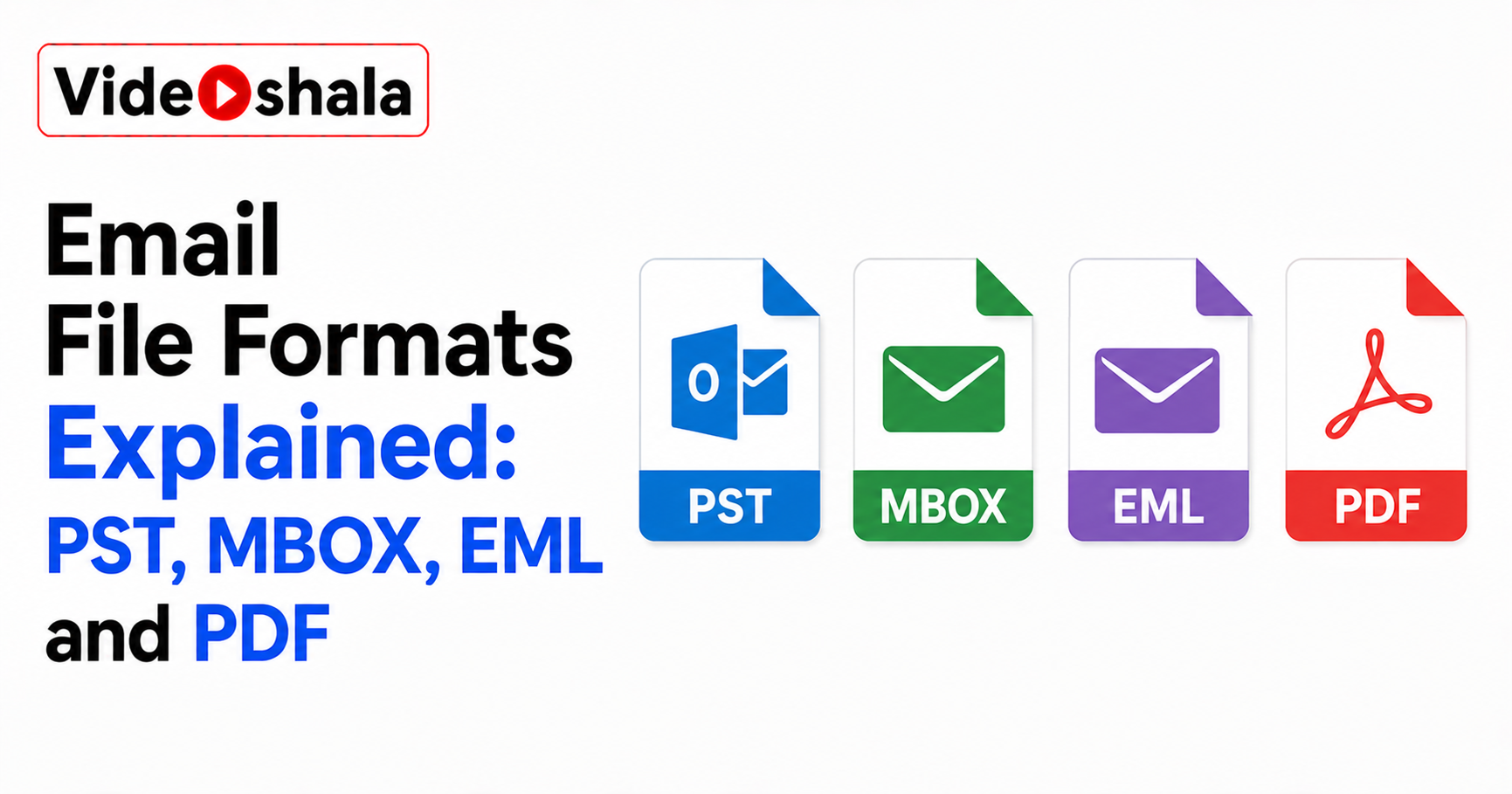
Sooner or later your email turns into a file. You export your inbox, save a message, download your data from Gmail. Out comes something with an extension like .pst, .mbox or .eml. …