Deleting the wrong email in Outlook is a small heart-stopping moment, especially if it held a client message or something you cannot afford to lose. The good news is that Outlook is built to protect you from exactly this. It rarely destroys a message the instant you delete it, so most of the time you can get it back in a minute or two.
The one thing that confuses people is that the button is named differently in each version. It also only works on some account types. Both of those are cleared up below.
Here is the whole recovery in five lines.
- Open the Deleted Items folder. Most recently deleted mail is still sitting here.
- Found it? Right-click the message and choose Move to Inbox or drag it back.
- Emptied the folder? In classic Outlook, open Deleted Items and click Recover Deleted Items From Server.
- In new Outlook or on the web, click Recover items deleted from this folder above the message list.
- Select the emails and click Restore. Check the Junk folder too if you still cannot find them.
How deleting works in Outlook (two stages)
Outlook does not erase an email the moment you delete it. It removes it in two stages. Knowing this is what makes recovery easy. First, a delete sends the message to the Deleted Items folder, which works exactly like the recycle bin on your computer. The message is fully intact and one click from coming back. Only when you empty that folder or press Shift and Delete does it move to a hidden Recoverable Items folder on the server.
Deleting an email in Outlook almost never destroys it straight away; it just moves it. That gives you two chances to get it back. This guide covers both.
Stage 1: get it back from Deleted Items
This is the easy case and where most recoveries end. Open your folder list and click Deleted Items. Scroll or use the search box at the top to find the message. Once you have it, right-click the message and choose Move to Inbox or drag it back into your inbox from the folder list.
If the mail is still in Deleted Items, restoring it is a single drag or right-click away. The same steps work everywhere: classic Outlook, new Outlook, Outlook on the web, the Mac app and the mobile app, where you tap and hold the message, then move it. If you find it here, you are done.
Stage 2: recover after emptying Deleted Items
If Deleted Items is empty, the message has likely moved to the hidden Recoverable Items folder. Outlook has a dedicated tool for it. In classic Outlook, select the Deleted Items folder, then on the Home tab click Recover Deleted Items From Server. In new Outlook and Outlook on the web, select Deleted Items, then click Recover items deleted from this folder near the top of the message list.
The feature is the same in every version, only the label changes: Recover Deleted Items From Server or Recover items deleted from this folder. A window lists what can still be restored. Select the messages you want, then click Restore or Restore Selected Items. Recovered mail lands back in Deleted Items, so move it to your inbox from there.
The gotcha: it only works on some account types
Here is the part that trips people up. The server recovery in stage 2 only appears for Exchange and Microsoft 365 accounts, because those keep deleted items on the server. If your account is a plain POP or many IMAP setups, there is no Recover Deleted Items option, since the mail was never stored on the server that way. Two quick tells: a folder named Trash rather than Deleted Items is one. A missing recover command is the other. Either means your account does not support server-side recovery.
A Trash folder or a missing recover option means your account cannot restore mail once it leaves the bin. In that case, stage 1 is your only built-in route, which is exactly why a separate backup matters.
How long you have to act
Recovery is not open-ended, so time matters. Mail in the Deleted Items folder is usually kept for about 30 days before it is cleared automatically. Once it moves to Recoverable Items, the window is limited too, commonly 14 to 30 days depending on your account type and, for work accounts, whatever your administrator has set. The clock on that second window starts when you empty Deleted Items, not when you first deleted the message.
Once the retention window closes, a purged Outlook email is gone for good on a normal account. So if a message matters, recover it now rather than later. Microsoft's own guide to recovering deleted items lists the current limits.
If the window has already passed
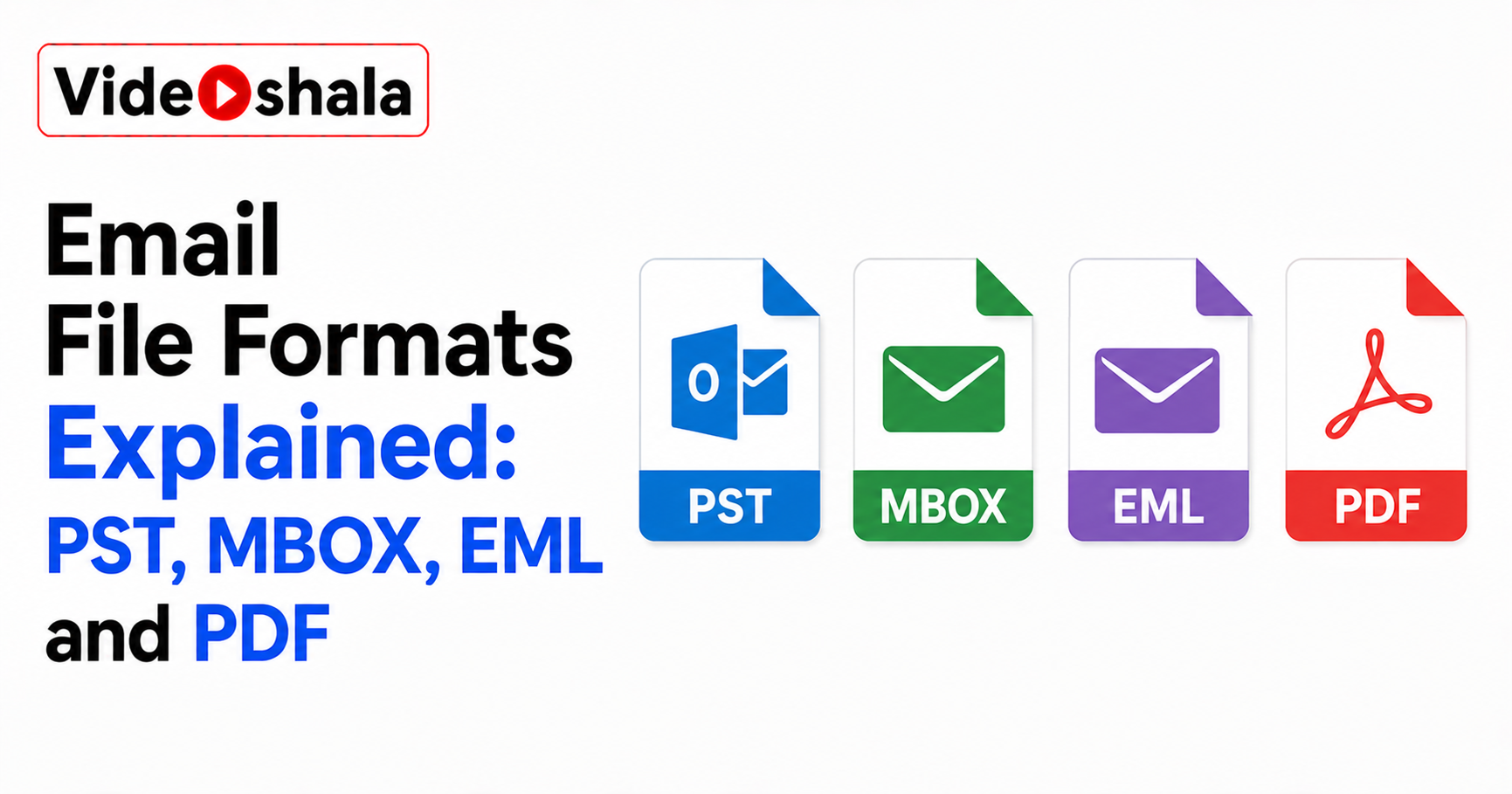
If the mail is truly purged and you are on a personal account, the built-in options end there. On a work or school Microsoft 365 account, your administrator has extra powers. They can often recover items you no longer see. If the mailbox is on legal hold, deleted mail may be kept far longer. Two low-tech routes are worth trying first though. Ask whoever sent the email to forward it again from their Sent folder, which is often faster than any recovery. And if you ever exported the mailbox to a .pst file or set up an Outlook archive, the message may already be sitting in it.
The surest protection is the one you set up before deleting anything: a separate copy of your mail. That is the whole point of keeping a backup, as our guide on whether your email is automatically backed up explains.