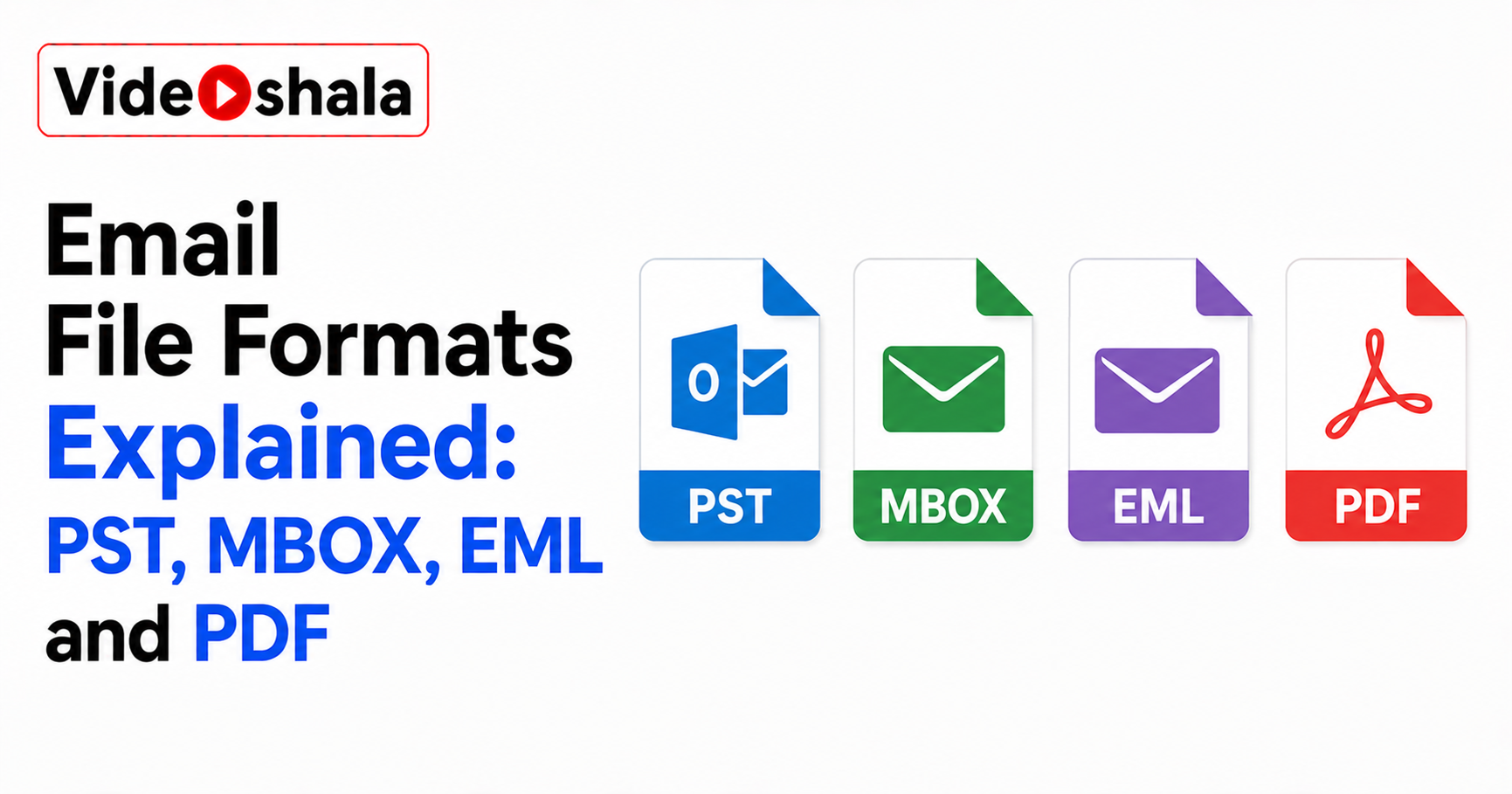
Sooner or later your email turns into a file. You export your inbox, save a message, download your data from Gmail. Out comes something with an extension like .pst, .mbox or .eml. If you have ever stared at one of those and wondered what it is and how to open it, this is the plain guide the technical pages skip.
You do not need to memorise anything. Once you see the one idea behind these formats, they stop being confusing.
Here is the whole thing in five lines.
- Containers store a whole mailbox in one file. PST is Outlook's; MBOX is the open standard.
- Single-message files store one email. EML is universal; MSG is Outlook only.
- Gmail Takeout gives you MBOX. Open it by importing into Thunderbird.
- PST needs Outlook to open fully. MBOX opens in most non-Microsoft mail apps.
- PDF is for reading and sharing one message, not for loading back into a mail app.
What to focus on
Most people land here holding one file with one question. Here is the short answer to each.
- Is this one email or a whole mailbox? EML and MSG are single messages. PST and MBOX hold many.
- I downloaded my Gmail, what did I get? An MBOX file. Import it into Thunderbird to read it.
- Can I open a PST without Outlook? Not fully. PST is built for Outlook.
- Which opens anywhere? EML. It is plain text and works in almost any mail app or a browser.
- Is a PDF a backup of my email? No. It is a readable snapshot, not a file you can reload into a mailbox.
The one idea that makes sense of all of them
Before the individual formats, one distinction does most of the work. Some email files are containers that hold a whole mailbox in a single file. Others hold just one message. A third kind, PDF, is not really an email file at all, more a printout you can read.
Ask first whether a file holds one email or a whole mailbox; the rest falls into place. Everything below is just that idea with names attached.
EML: one email that opens almost anywhere
An EML file is a single email saved as plain text, following the same standard that defines email itself. Because it is just text with headers and a body, almost any mail program can open it: Thunderbird, Apple Mail, Windows Mail, even a web browser in a pinch.
EML is the most portable format, since one message opens in nearly any app. You will see EML when you save or drag a single message out of most mail clients. It is the safe choice when you want to share one email with someone who might not use the same program you do.
MSG: Outlook's version of a single email
MSG is Microsoft's own single-message format. When you drag one email out of classic Outlook onto your desktop, you get an MSG file. It stores the message, its details and any attachments, but it is proprietary.
An MSG file really only opens properly in Outlook or Microsoft-compatible software. If someone sends you an MSG and you do not use Outlook, that is why it will not open cleanly. EML is the format to ask for instead.
MBOX: many messages in one open file
MBOX bundles a whole folder of email into one plain-text file, with each message stacked after the last. It is the open, long-standing standard used by Thunderbird, Apple Mail and older clients like Eudora. Importantly, it is also what Google hands you when you export Gmail through Takeout.
If you downloaded your Gmail and got a big .mbox file, import it into Thunderbird to read it. The catch is that pulling one message out of a large MBOX is awkward, since everything lives in a single file. For storing a whole mailbox, though, it is compact and widely supported.
PST: Outlook's all-in-one container
PST, short for Personal Storage Table, is Outlook's own container. It holds not just mail but calendar entries, contacts and tasks, all in one file. That makes it handy for moving an entire Outlook account to a new computer. The trade-off is that it is Microsoft's proprietary format.
A PST file is only fully usable inside Outlook, so it locks your mail to one program. Modern PST files can be very large, running well past 10 GB, which is worth knowing before you copy one around. If you are handed a PST and do not use Outlook, you will need Outlook or compatible software to read it.
PDF: a snapshot, not a mailbox file
PDF is the odd one out, because it is not an email storage format at all. When you save or print a message as PDF, you get a fixed, readable page: the text, the date and the layout, frozen exactly as it looked.
A PDF is perfect for keeping or sharing one message as a permanent record, but you cannot load it back into a mailbox. Use it when you want a copy a person can simply open and read, not when you plan to re-import the mail into an email program later.
So which format should you pick?
It depends on what you are trying to do. To keep or move a whole mailbox, use a container: MBOX if you are on Thunderbird, Apple Mail or exporting from Gmail, PST if you live in Outlook. To share or save a single message, use EML for portability or PDF for a clean, readable copy.
Containers are for whole mailboxes; single-message files are for one email at a time. And remember that a file sitting on the same computer as your only copy is not really safe yet. A copy only counts once it lives somewhere separate, which is the point of how an email backup tool works. Whether the cloud already does that for you is covered in whether your email is automatically backed up. The difference from simply archiving is in email archiving vs backup.