It is a fair thing to wonder. You moved to the cloud partly so you would not have to think about backups. Your inbox has years of mail sitting in it, safe and searchable. So is it actually backed up? The honest answer is yes and no. The "no" half is the part that catches people out.
Most of the search results for this question come from companies selling backup tools to IT departments, so the answer arrives wrapped in alarm. Here is the plain version for a normal person with a Gmail or Outlook account.
In short, this is the situation.
- Your provider stores your mail reliably and copies it across data centres. That keeps it available, not backed up for you.
- It protects against their failures, not yours. Delete something past the 30 day Trash window and it is gone.
- A hacked, suspended or closed account can take all your mail with it. Support usually cannot bring it back.
- Trash and Spam hold mail for about 30 days only. That is a safety net, not a backup.
- The only real backup is a copy you keep outside the account. Your provider gives you free ways to make one.
What to focus on
Most people arrive with one specific worry. Here is the short answer to each.
- Will I lose mail if Google or Microsoft has an outage? Almost never. They store many copies. That part is genuinely safe.
- What about mail I delete by mistake? After about 30 days in Trash it is gone for good. That is on you, not them.
- What if my account is hacked or closed? Everything inside can go with it, archived mail included. A copy outside the account is the only thing that survives.
- Is keeping mail in the cloud the same as a backup? No. Many copies in one account is redundancy, not a backup.
- Do I have to pay for a tool? No. Your provider already gives you free ways to export a copy.
The short, honest answer
Most people assume cloud equals automatically safe. It is not, at least not in the way you think. Your provider keeps your mail running and stored across multiple data centres, so a single server catching fire will not lose your inbox. But that is reliability, not a backup that you control.
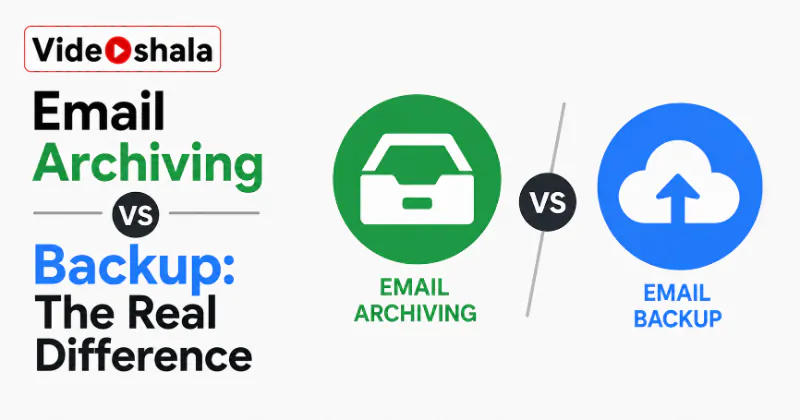
Your provider keeps your mail available, which is not the same as backing it up for you. The difference only shows up the moment something goes wrong on your side of the account rather than theirs. That gap, inside the account versus outside it, is the same one our guide on email archiving versus backup walks through.
What your email provider does protect against
Credit where it is due. Google and Microsoft run some of the most reliable infrastructure on the planet. They protect against hardware failure, data centre outages and disk corruption on their end. They keep redundant copies so a fault in one place does not lose your mail.
Against their own failures, your mail is about as safe as data gets. If the only risk were a server dying in a Google or Microsoft data centre, you would never need to think about backups at all. That is the reassuring half of the answer. It holds up.
What it does not protect against
Here is where the assumption breaks. Your provider does not protect you from yourself or from losing the account. That covers a lot: you deleting a message and later regretting it, a thread emptied from Trash, someone gaining access and wiping the mailbox, even the whole account being suspended or closed for a rule you did not know you broke.
Everything that happens on your side of the account is your responsibility, not the provider's. This is the shared responsibility model every backup company mentions but few explain plainly. They secure the system. You look after your own data.
The 30-day catch most people miss
The native safety nets are real but short. Deleted mail sits in Trash for about 30 days, spam for about 30 days, then both are cleared for good. After that, a permanently deleted message is essentially unrecoverable. Provider support will not restore it for you.
Once mail leaves Trash it is gone for good; no support ticket will bring it back. Thirty days of grace is helpful, but it is a safety net, not a backup. If you only notice a loss two months later, the native net has already let go, which is exactly why our guide on recovering deleted emails in Gmail stresses acting fast.
So does Google or Microsoft back up your email?
In plain words, they back up their own systems, not your individual choices. Google keeps Gmail running. Microsoft keeps Outlook.com and Microsoft 365 running. Neither promises to restore a message you deleted or recover an account you lost control of.
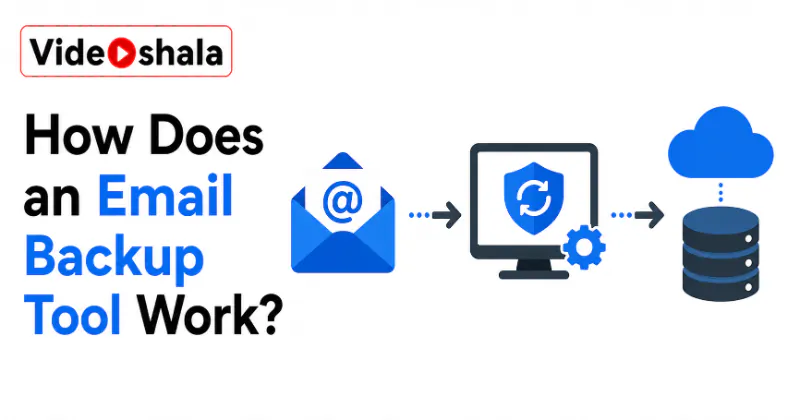
Storing many copies of your mailbox is redundancy for them, not a backup for you. It is the same answer for both providers. It is also the answer the vendor pages bury under sales pitches: the cloud is reliable, but it is not your backup. If you want the mechanics of how a real backup copy is made, see how an email backup tool works.
Do you actually need to back it up yourself?
For most everyday users a light backup is worth it, precisely because the failure modes above are common. People delete the wrong thing. Accounts get locked. Passwords get lost. You do not need an enterprise system with daily schedules. You need one copy of anything you would hate to lose, kept somewhere outside the account.
If losing your mail tomorrow would genuinely hurt, one copy outside the account is worth the ten minutes. If your mail is all disposable, you can honestly skip it. The test is simple: would it matter if your inbox vanished overnight? If yes, make a copy.
How to keep your own copy for free
You do not need to buy anything to start. Google offers Takeout, which exports your whole Gmail in one download. Microsoft lets you export Outlook mail or add the account to a desktop app. Adding any account to Outlook or Thunderbird over IMAP pulls a local copy straight onto your computer.
A copy only becomes a backup once it sits somewhere your account cannot take down with it. The catch with one-time exports is that they are a snapshot, so repeat them now and then to stay current. For how those copies actually work, full versus incremental and the file formats involved, our explainer on how an email backup tool works covers it.