How to Back Up Your Email for Free
Most people never keep a copy of their email, because they assume the provider has it covered or that doing it themselves needs paid software. Neither is quite true. Your mail sits…
53 articles across 3 months.
Most people never keep a copy of their email, because they assume the provider has it covered or that doing it themselves needs paid software. Neither is quite true. Your mail sits…
Everyone has felt it. You open your inbox, see a wall of unread messages and feel your shoulders tighten before you have read a single one. The usual advice is to build a clever fo…
Two emails can look identical in your inbox. One is a shop you bought from once, still emailing you two years later. The other is a stranger who bought your address from a list. Bo…
It is not a cheerful thing to think about, but it is worth ten minutes. Your inbox holds the receipts, the subscriptions, the bank correspondence and the photos that families need …
People picture a hacked inbox as a dramatic lockout. Usually it is nothing of the sort. An attacker who wants to use your account quietly has every reason to leave your password al…
People put off changing their email address for years, usually out of fear that something important will slip through the cracks. It is a fair worry. Your address has quietly becom…
Seeing a storage-full warning is stressful, mostly because of what it does: on most services a full account stops sending and receiving mail, so messages people send you bounce str…
Opening your inbox to find messages missing is genuinely alarming, especially if they were important. The good news here is real: email almost never simply vanishes into nothing. I…
When you delete an email, it does not vanish. It drops into a Trash or Deleted Items folder and sits there on a countdown. The length of that countdown is the whole question. It tu…
Losing an email in Yahoo feels worse than in most services, because Yahoo's safety net is short. Where Gmail gives you 30 days and Outlook keeps a hidden recovery folder, Yahoo wor…
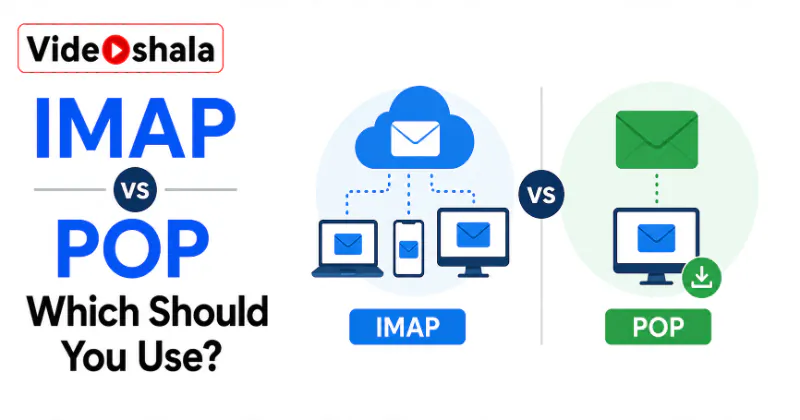
When you add an email account to an app like Outlook, Apple Mail or Thunderbird, it quietly asks a question that decides how your mail behaves: IMAP or POP. Most people click throu…
Deleting the wrong email in Outlook is a small heart-stopping moment, especially if it held a client message or something you cannot afford to lose. The good news is that Outlook i…
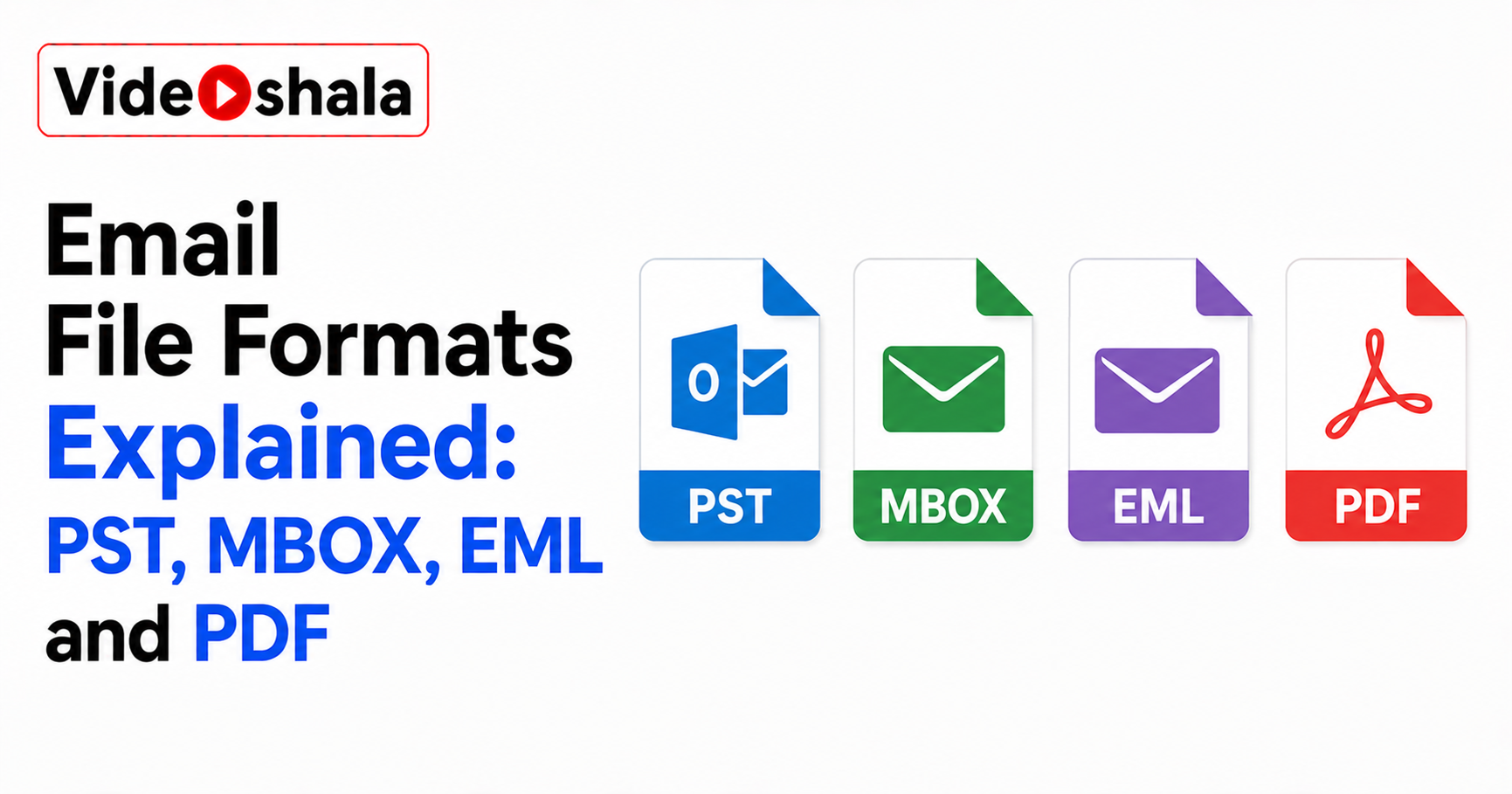
Sooner or later your email turns into a file. You export your inbox, save a message, download your data from Gmail. Out comes something with an extension like .pst, .mbox or .eml. …
Years of your working life pass through a work inbox: the contacts you made, the projects you are proud of, the odd personal message that landed there. So when you hand in your not…
Losing access to your email is one of those small disasters that feels enormous in the moment. The screen says you are locked out. Suddenly you are wondering whether years of mail …
It is a fair thing to wonder. You moved to the cloud partly so you would not have to think about backups. Your inbox has years of mail sitting in it, safe and searchable. So is it …
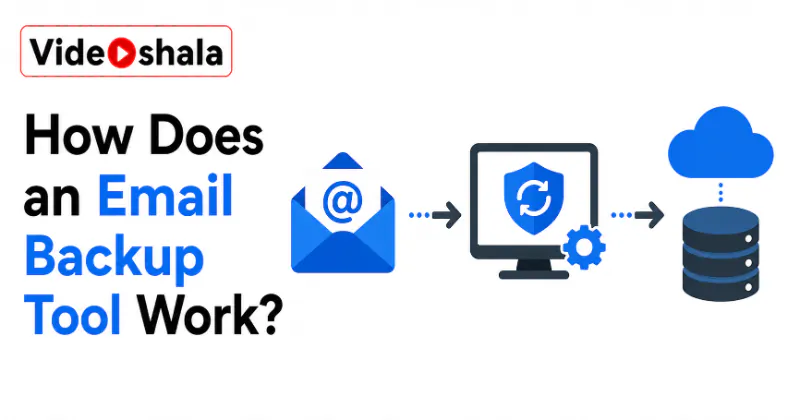
An email backup tool sounds technical, but the core idea is simple. It is an automated copier. It logs into your mailbox, reads every message, then writes a copy of each one into a…
Here is the fast way to archive a message. The sections below explain the options. Select the message or messages you want to archive. Click Archive in the toolbar. You can also pr…
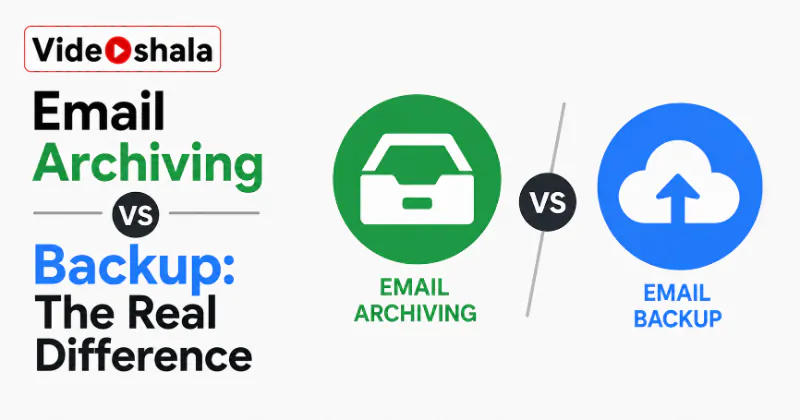
People use the words archive and backup as if they mean the same thing. They do not. One tidies your mailbox. The other protects your mail. Mixing them up is how someone ends up th…
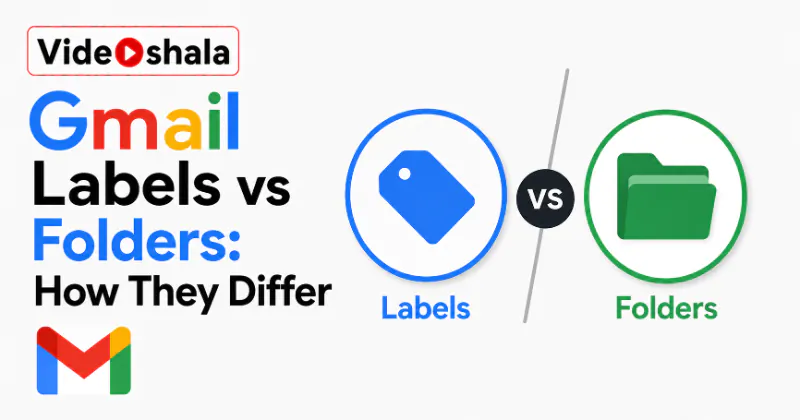
If you have come to Gmail from Outlook or Apple Mail, you have probably gone looking for folders and found something called labels instead. They are not folders with a different na…
Archive and delete sit right next to each other in Gmail. Both clear a message from your inbox, so it is easy to treat them as the same button. They are not. One keeps the email fo…
When an unwanted email lands in your inbox, most people just hit delete. That clears it from view, but it teaches Gmail nothing, so the next one just like it sails through again. R…
For years, unsubscribing meant scrolling to the bottom of an email, hunting for a tiny grey link, then clicking through a web form that tried to talk you out of it. Gmail has large…
Block in Gmail does not do what the word suggests. It does not bounce the sender, stop their mail reaching you or tell them anything has changed. All it does is quietly route their…
Plenty of people try a Gmail shortcut they read about, press the key, watch nothing happen and conclude Gmail does not have shortcuts. It does, more than 90 of them. They are simpl…
Setting up a signature in Gmail is a two minute job on a computer. Once it is done, every new email signs off for you. The part that catches people out is not the setup. It is that…
Some emails are not junk and not urgent, they just are not for right now. A flight confirmation you need on Friday, a reply you cannot send until you hear back, a bill due next wee…
Gmail confidential mode is the nearest thing Gmail has to keeping a grip on a message after you send it. You can set the email to expire, lock it behind a passcode and pull back ac…
Gmail confidential mode is the nearest thing Gmail has to keeping a grip on a message after you send it. You can set the email to expire, lock it behind a passcode and pull back ac…
Gmail has a built in feature that saves any email as a reusable template, so you stop retyping the same replies, follow ups and confirmations. Most people never find it, because Go…
Gmail lets you add as many accounts as you like to one browser, but there is no set default button anywhere in the settings. The first account you sign into during a browser sessio…
Most guides tell you to build a Gmail filter with older_than:90d set to Delete it, then promise your inbox will clean itself forever. That is not how Gmail filters work. Gmail even…
Gmail offline is not a button you press the moment your wifi drops. It is a setting you have to switch on in advance, in Google Chrome specifically. The single most common reason i…
Before you try to recover a deleted Gmail email, check one thing first: it is very often not deleted at all. There are two common reasons a message disappears. You may have archive…
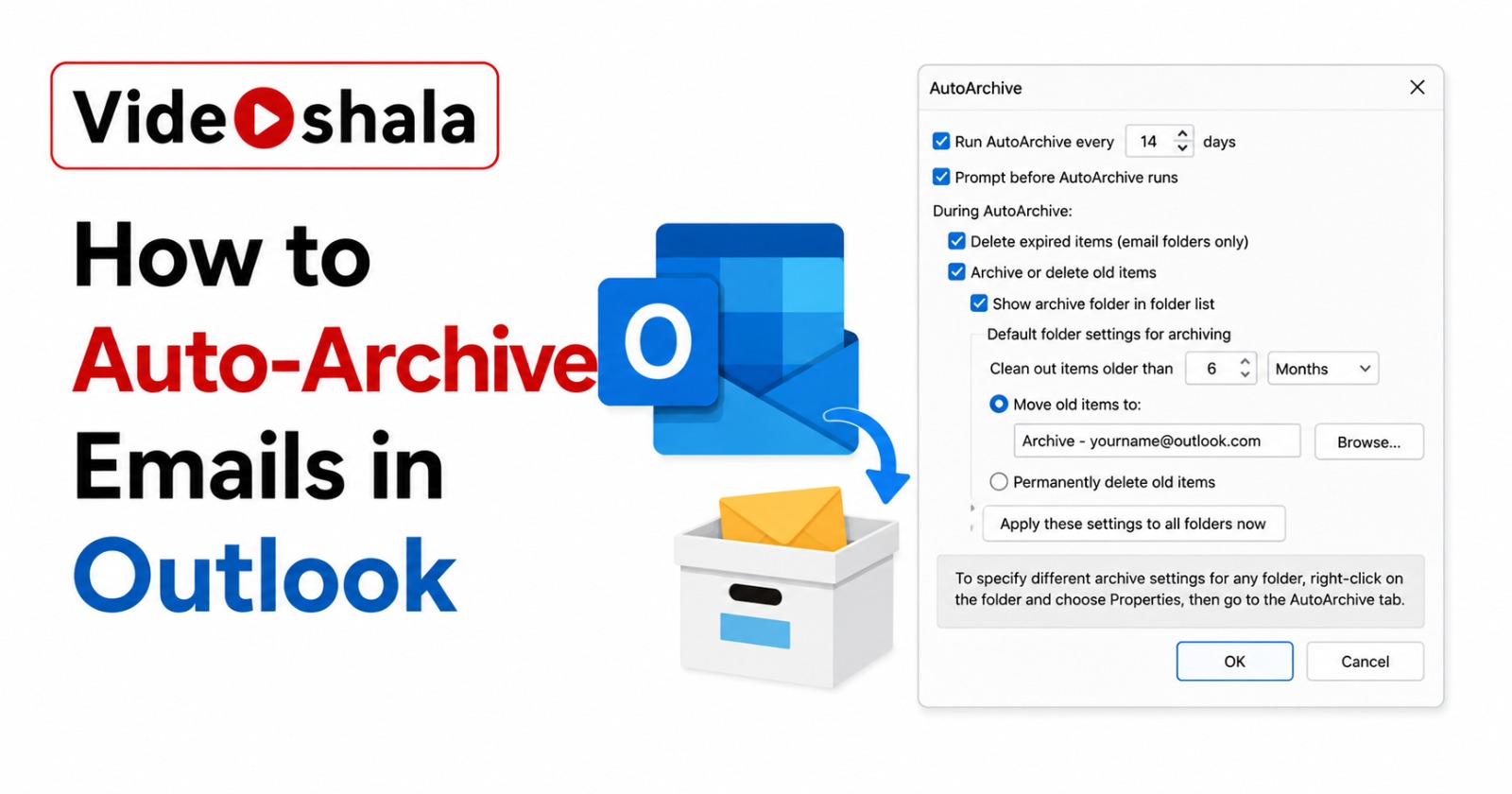
Before you spend 20 minutes hunting through menus for AutoArchive settings, check one thing: which version of Outlook are you running. If it is New Outlook for Windows, AutoArchive…
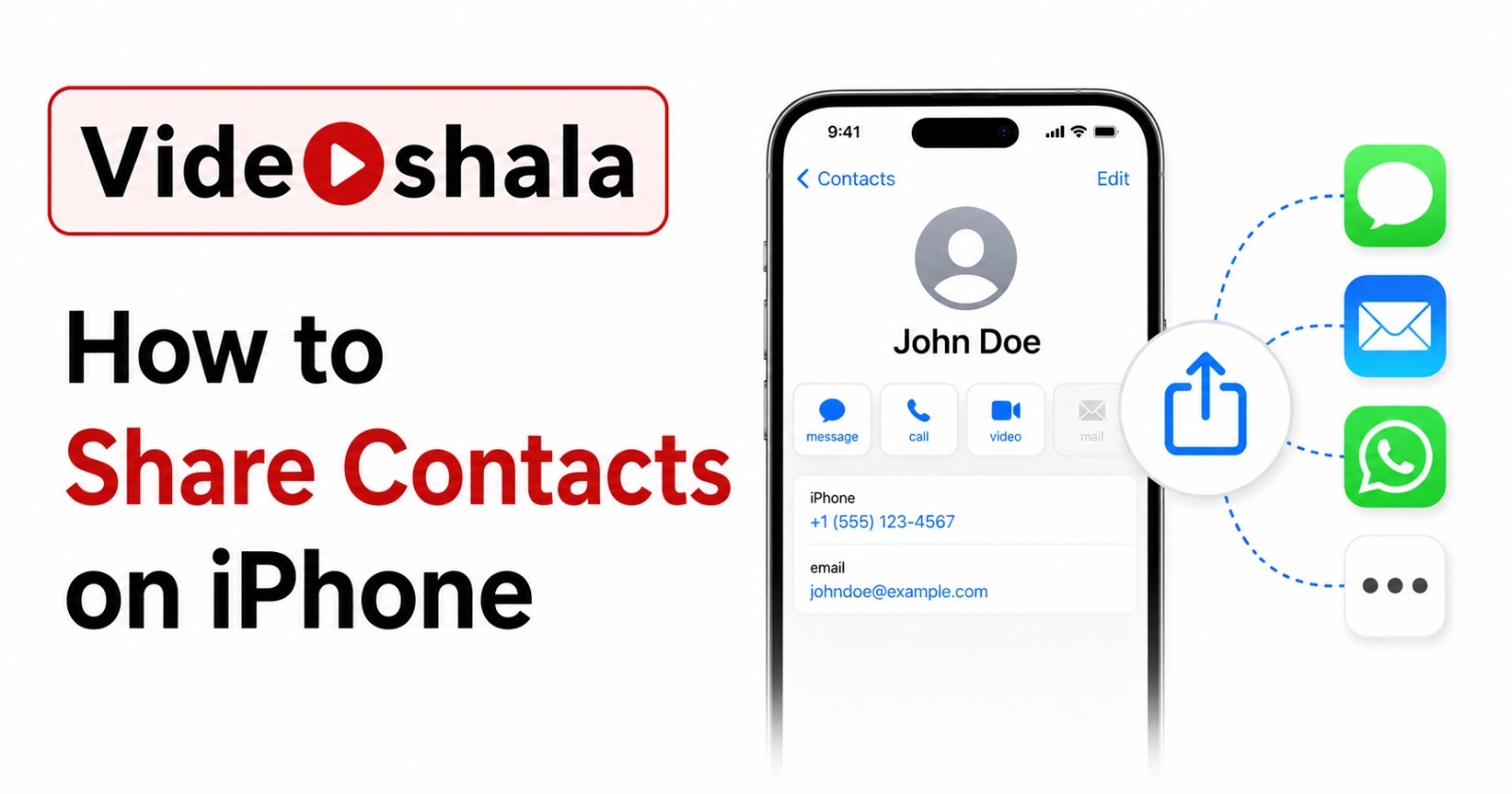
Sharing one contact from your iPhone takes three taps. Sharing fifty contacts takes a workaround, because Apple still does not have a clean bulk-share button after years of asking.…
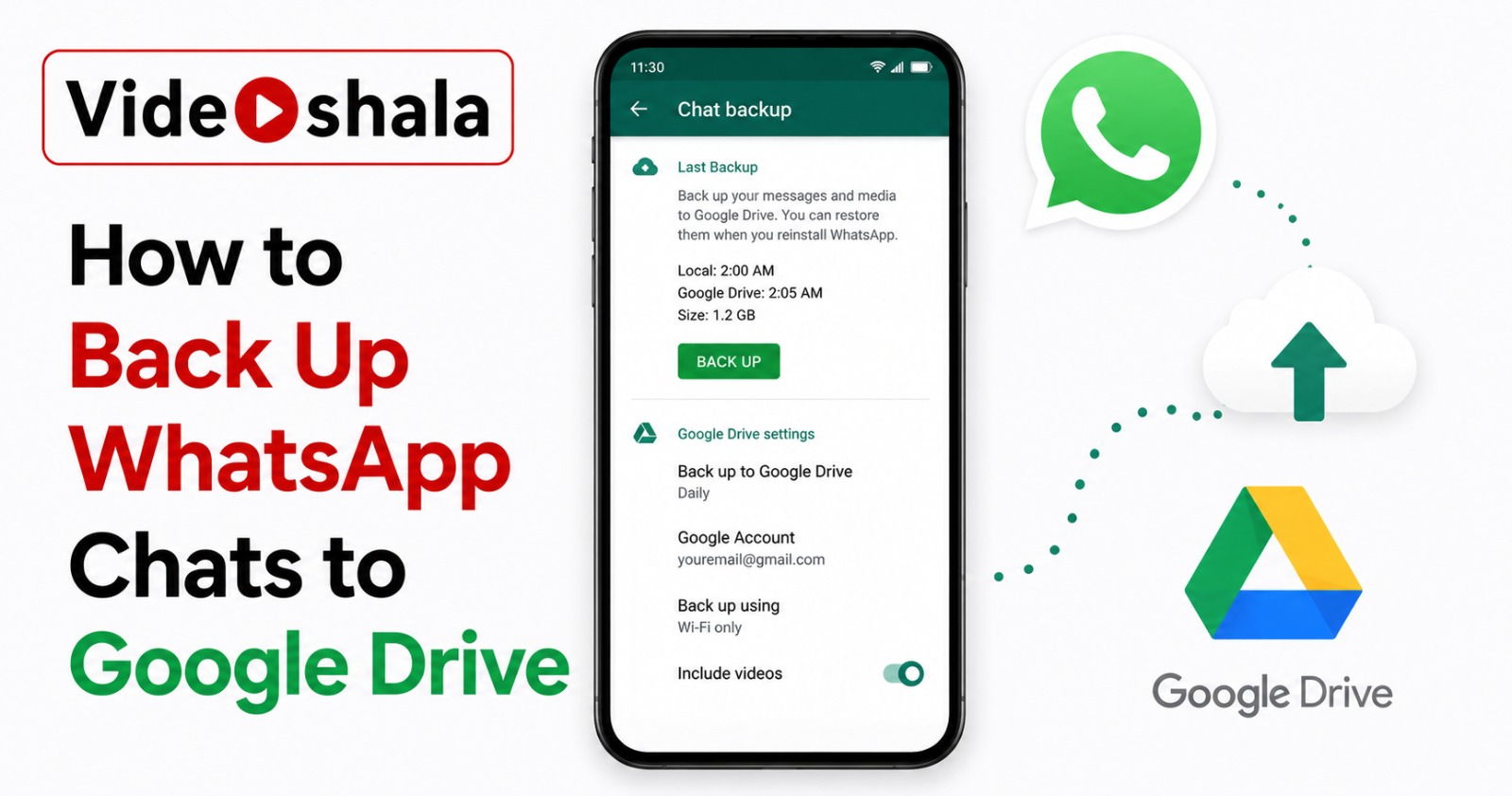
WhatsApp's Google Drive backup is the single most important feature you can enable on an Android phone. Without it, every chat, photo, voice note and shared document from the last …
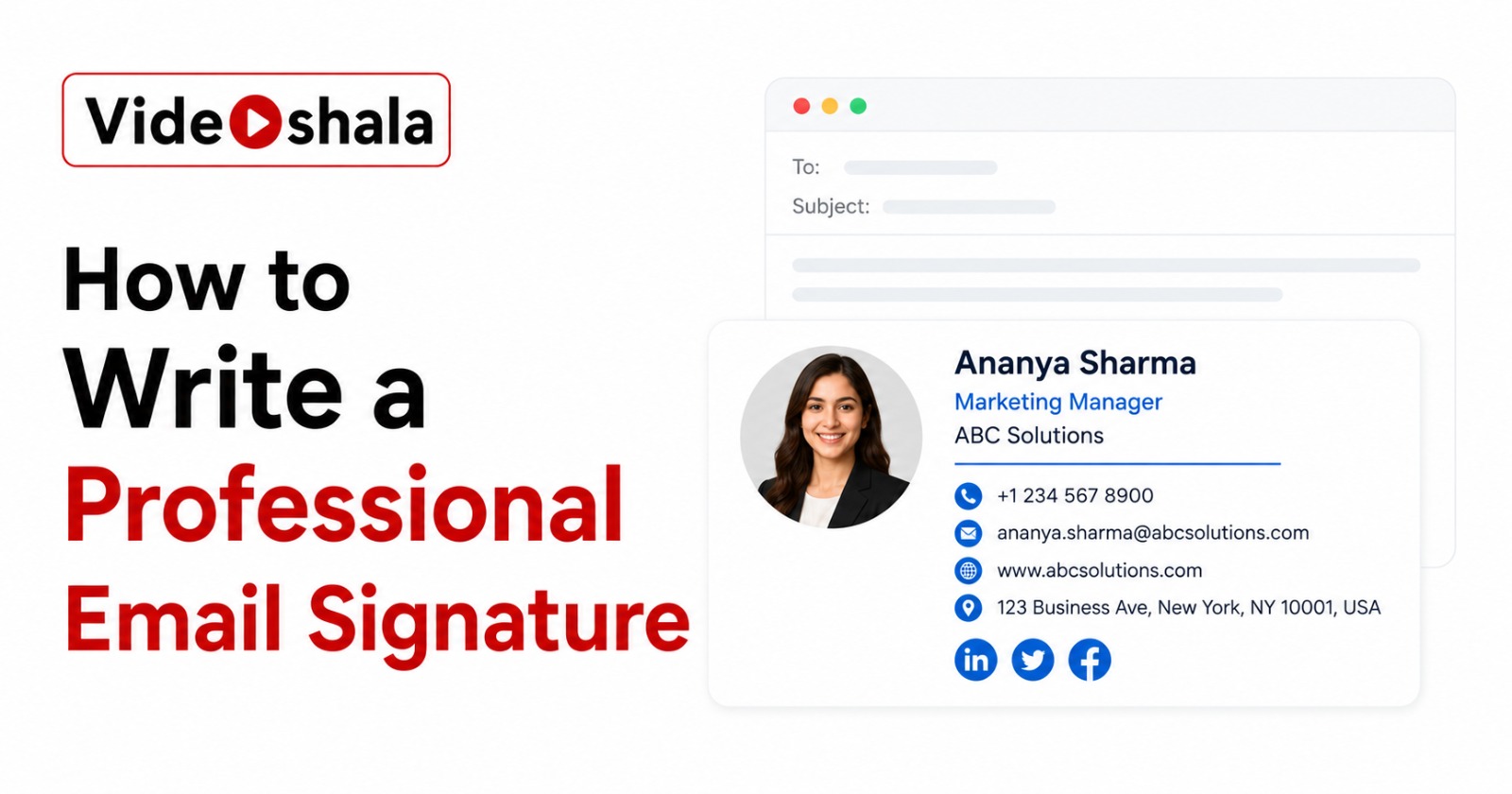
Most email signatures fail one of two ways. They are either bare, just a first name in lowercase that gives the recipient no way to reach you outside this thread. Or they are an ov…
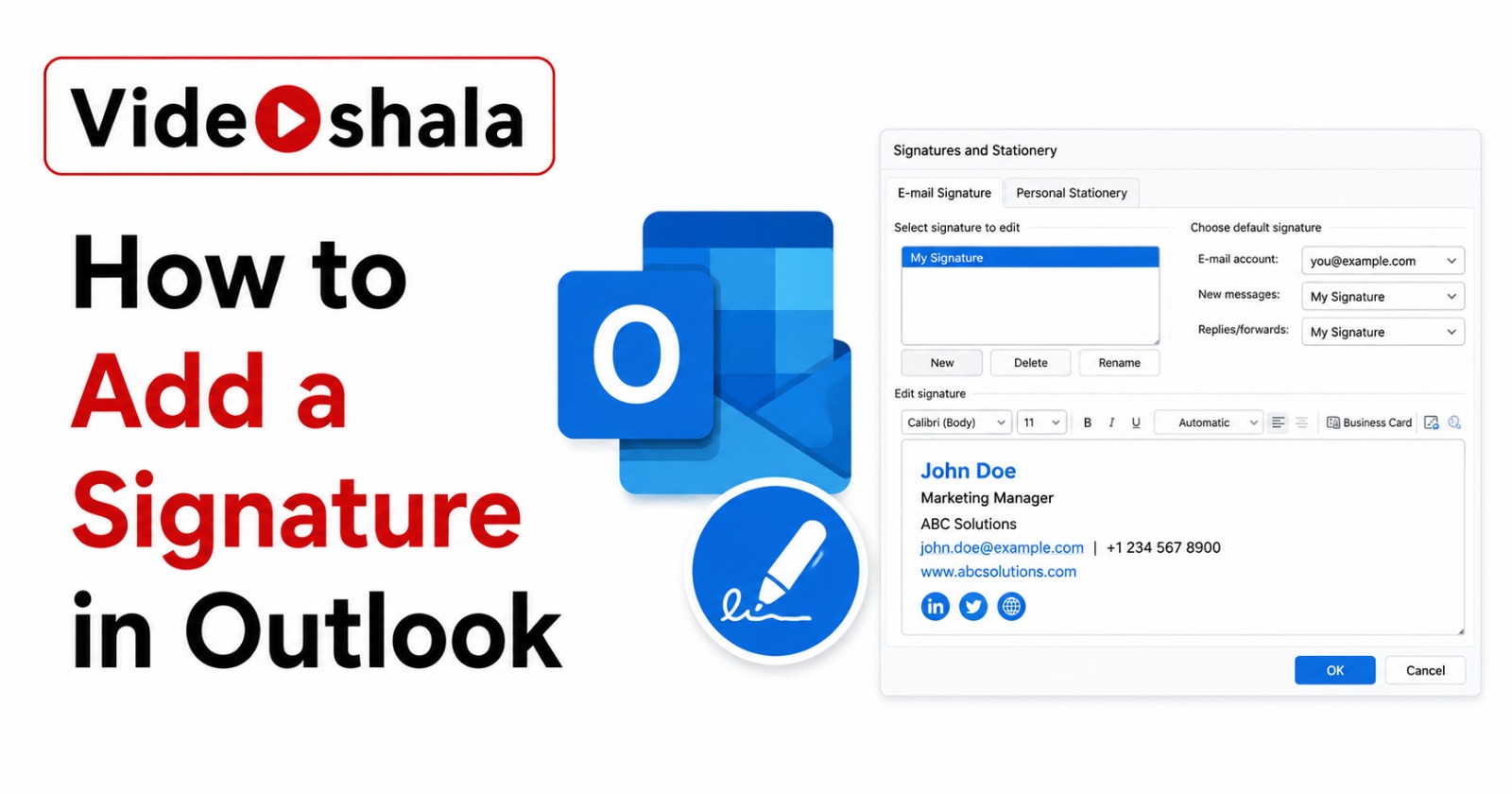
Outlook signatures are 90% configuration and 10% design. The 90% is settings menus that moved between versions: classic Outlook hides them inside a New Email window, new Outlook pu…
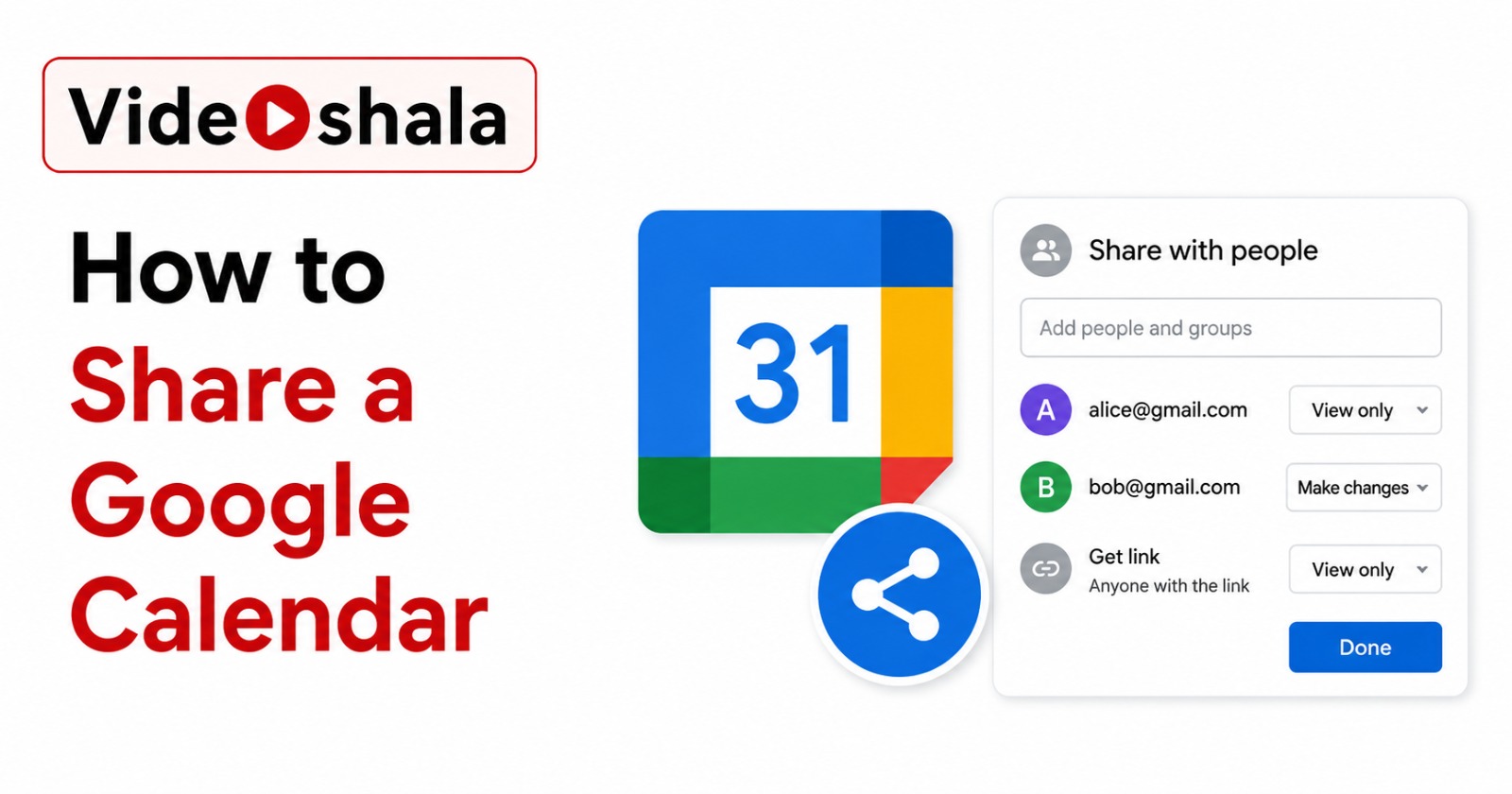
Sharing a Google Calendar is genuinely a 1-minute task once you know where to click. The thing nobody tells you is that there are four different ways to share, four different permi…
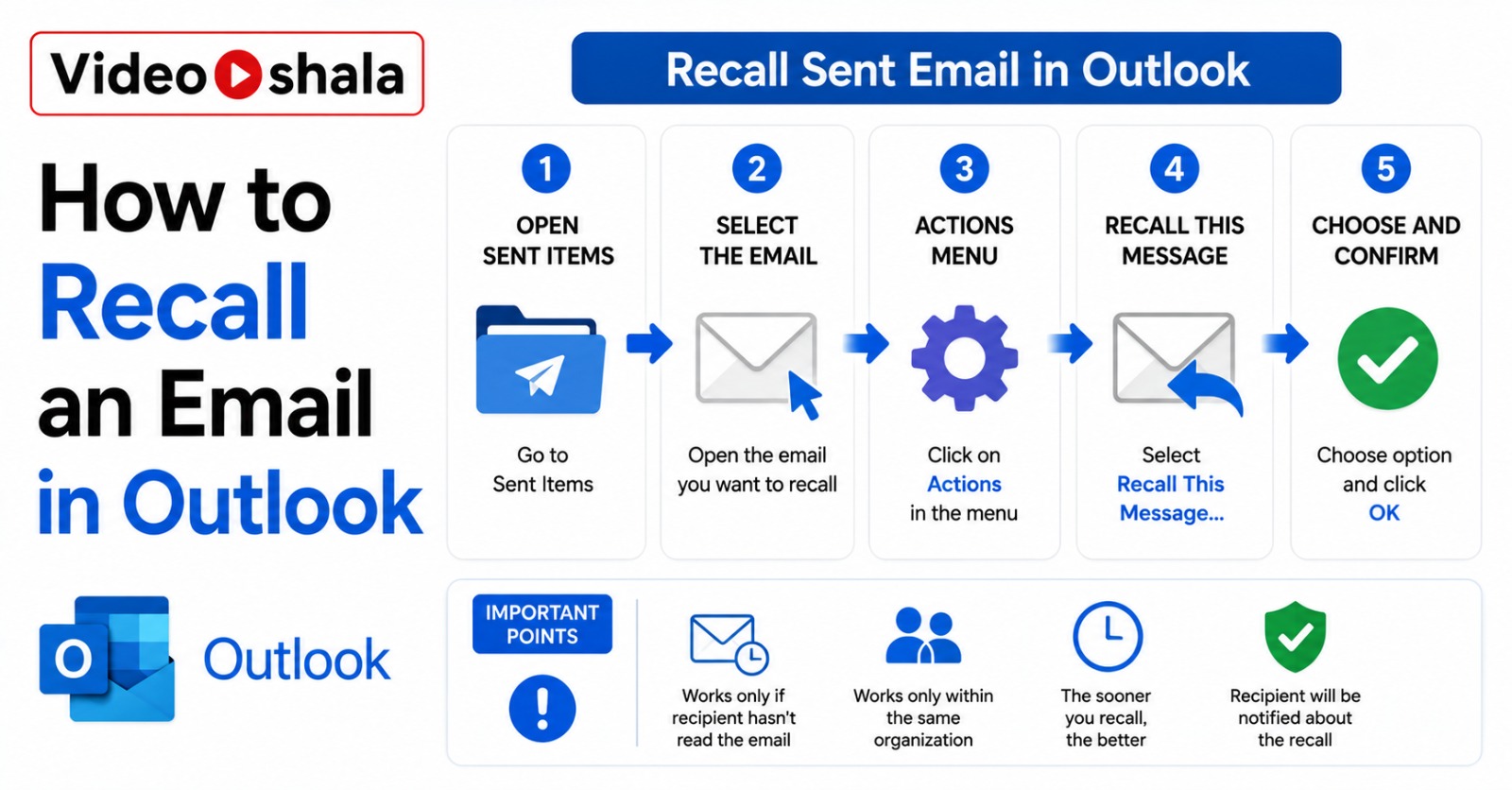
You just sent the budget spreadsheet to the wrong client. Or the email starting with "Hey loser" went to your boss instead of the friend it was meant for. Outlook has a Recall Mess…
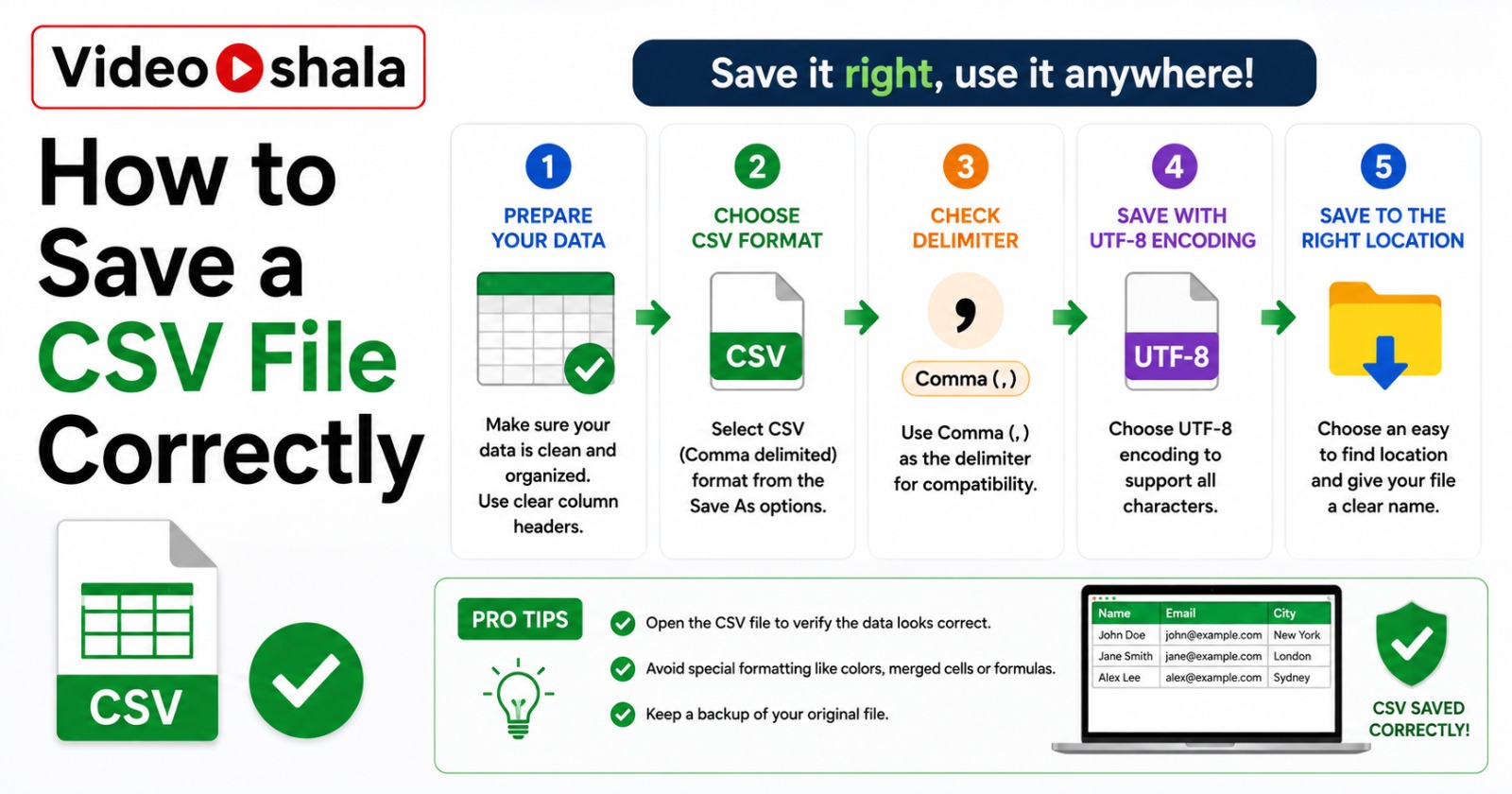
Saving a CSV file looks simple: File, Save As, pick CSV, done. Then you open the file somewhere else and your customer names with accents have turned into question marks, your phon…
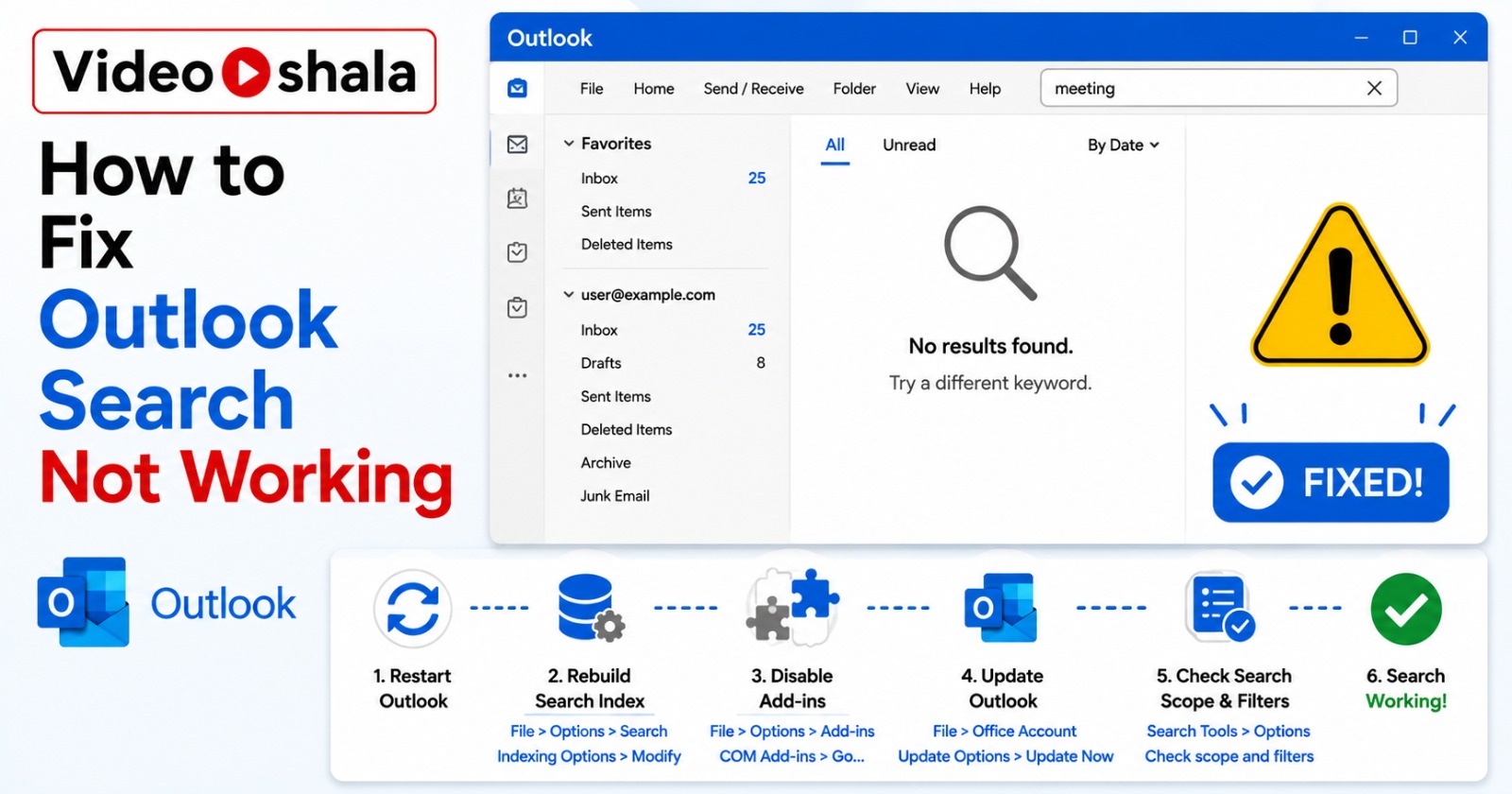
Outlook search breaks in different ways. Sometimes the search bar disappears entirely. Sometimes you type and get zero results. Sometimes you get partial results with old emails mi…
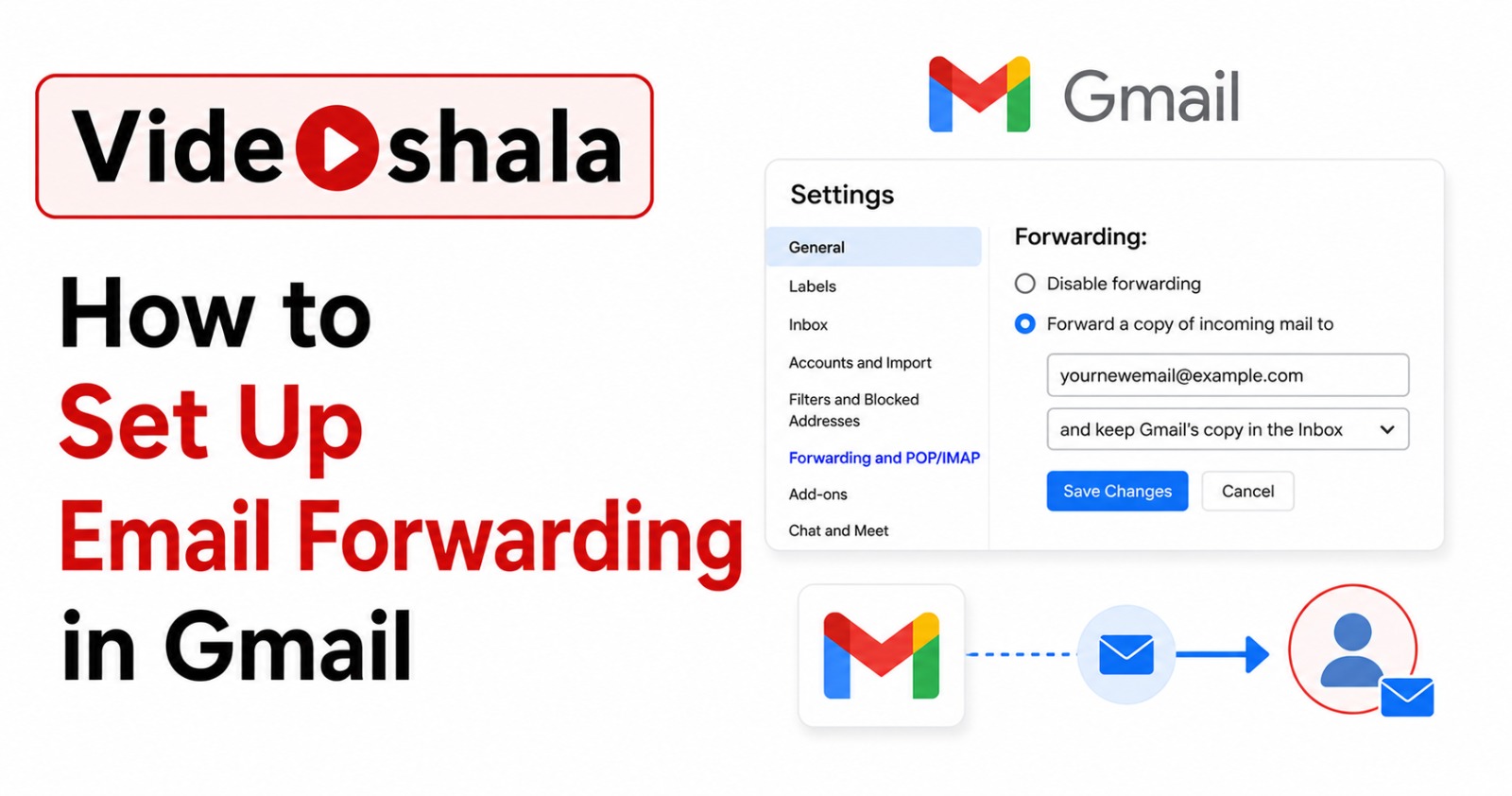
Setting up Gmail forwarding takes about two minutes if you know where to click. The trap is the verification step. Most "Gmail forwarding not working" complaints I see come down to…
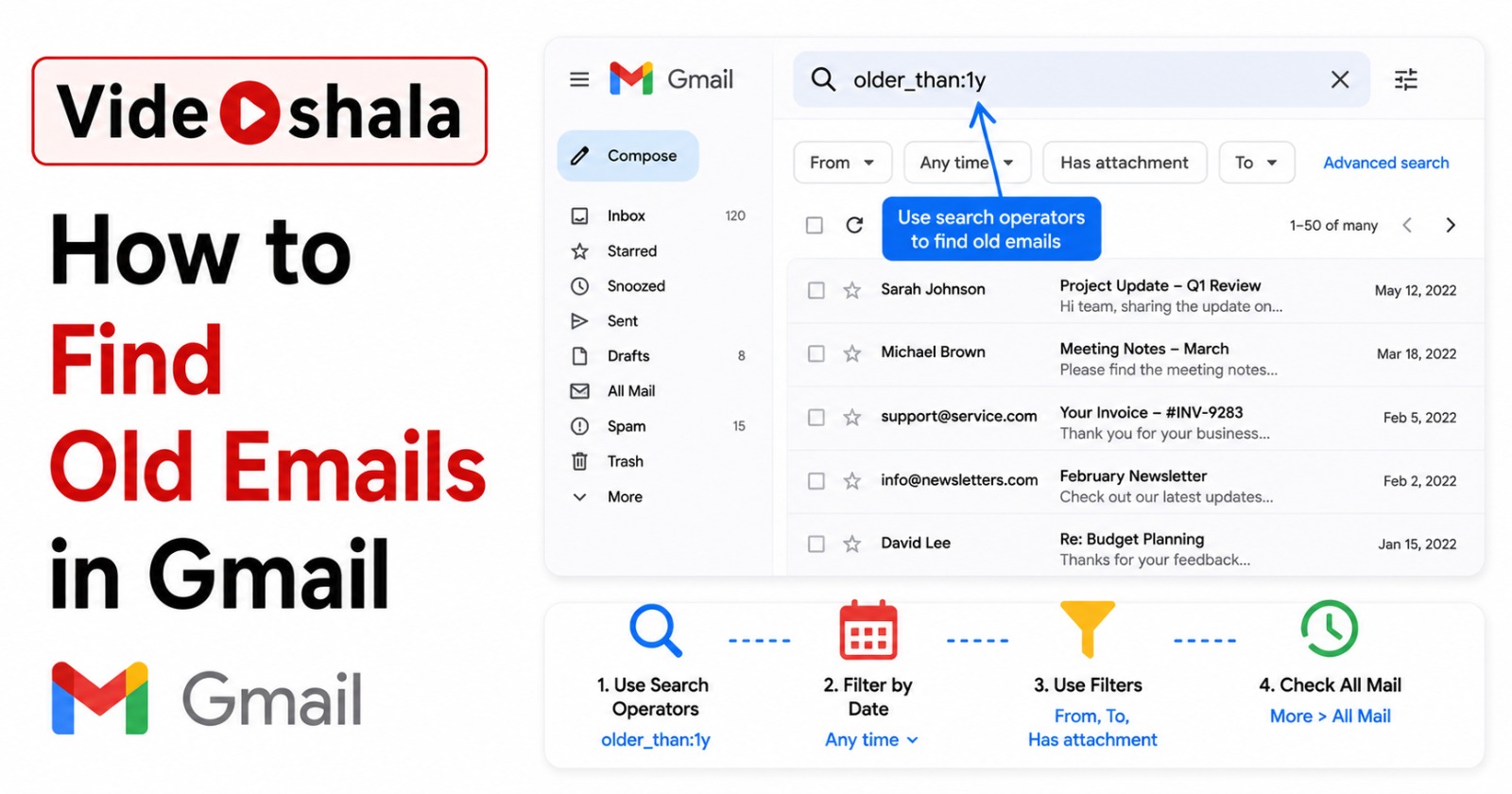
You have a Gmail account from 2008. Somewhere in there is a flight ticket from 2014, an old college friend's first email, a receipt you need for taxes. The basic search bar is fine…
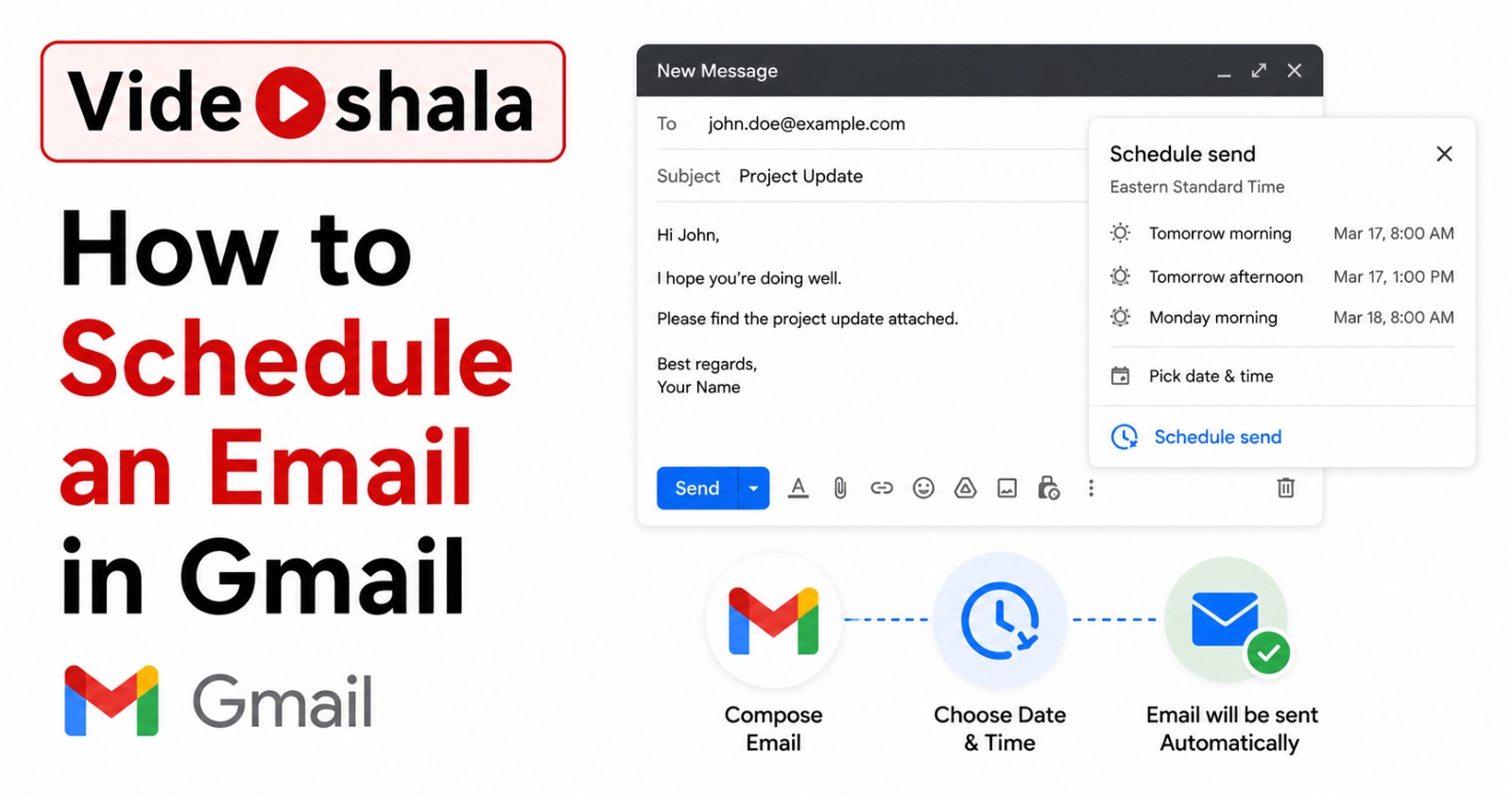
Gmail's Schedule send feature lives under a small arrow next to the Send button. Click it and you can pick a future date and time to deliver your email. The actual setup takes ten …
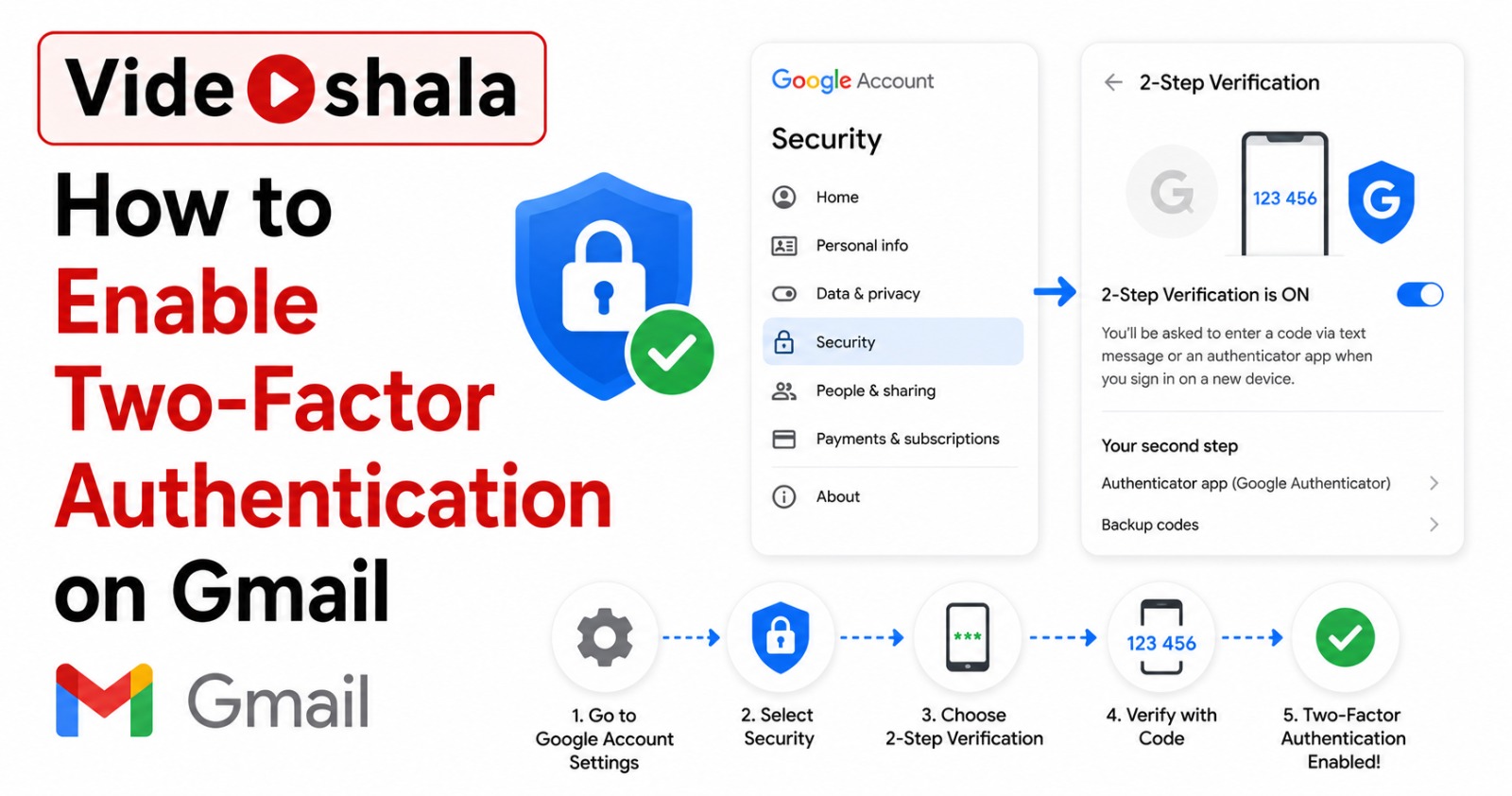
Your Gmail password is the master key to almost everything you own online. Banking, social media, taxes, ride-share apps, shopping accounts: most of them send password-reset emails…
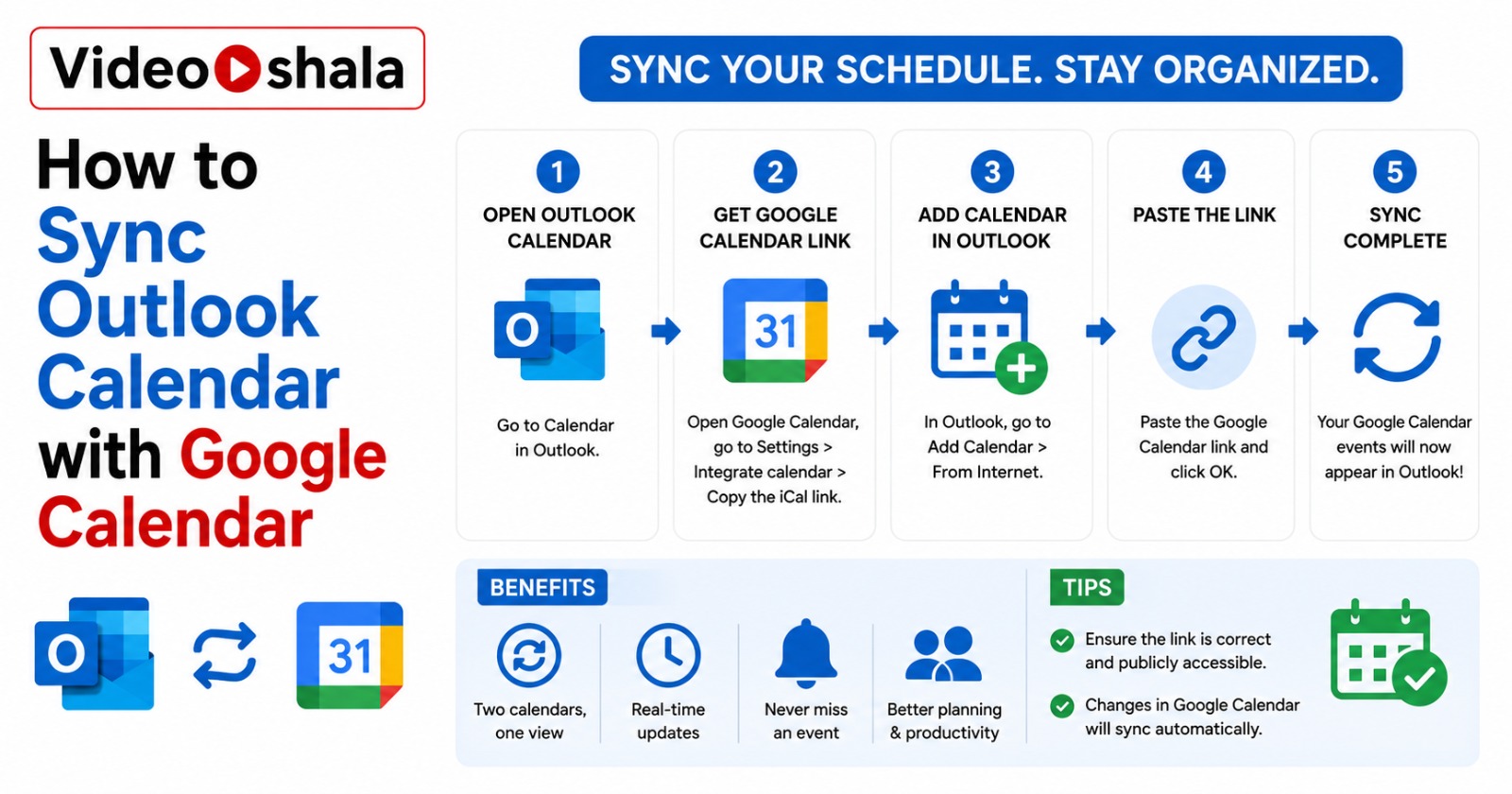
If you have a work Outlook calendar and a personal Google Calendar, you have probably been double-booked at least once. The honest reality is this: Microsoft and Google do not offe…
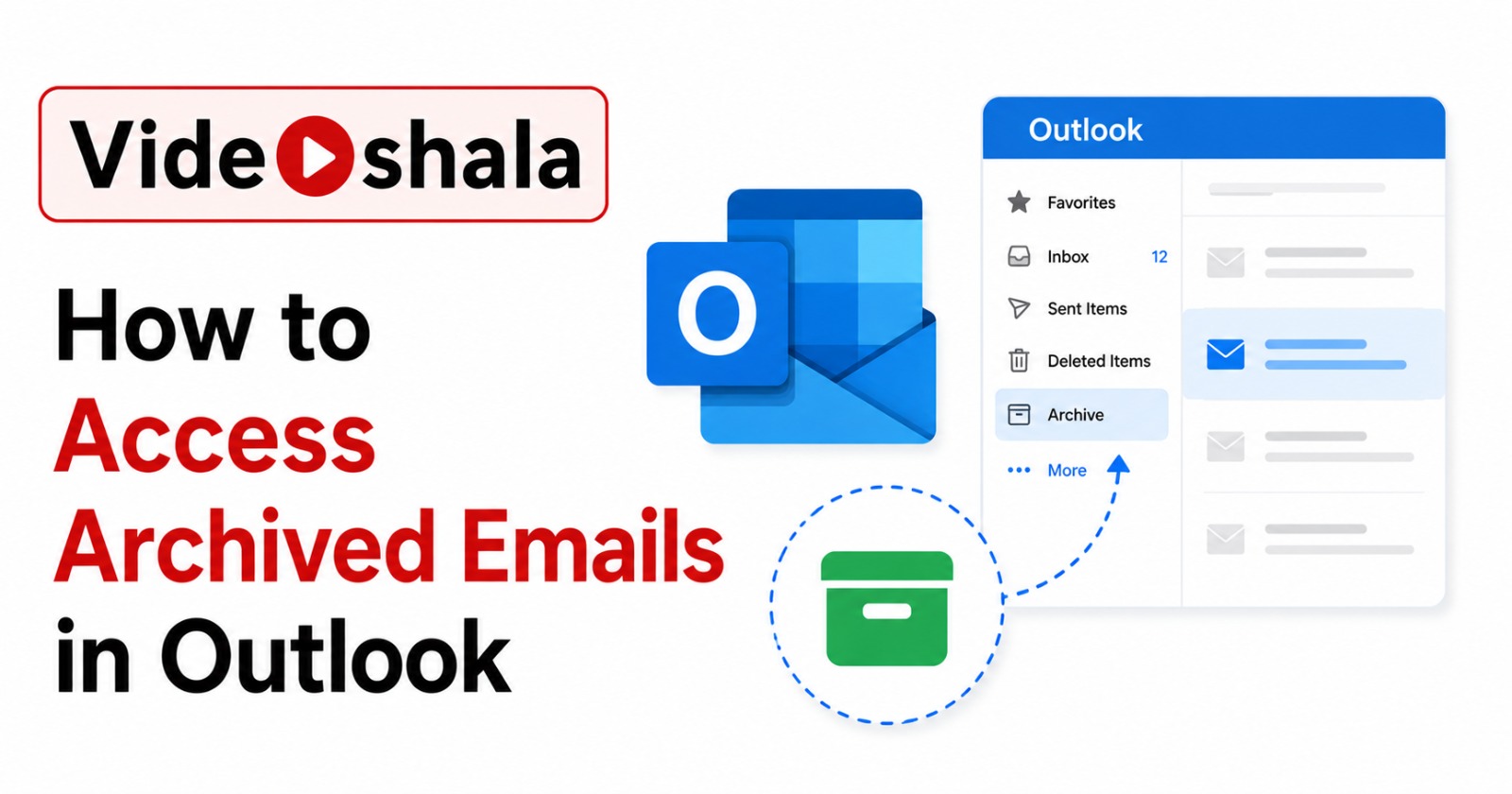
You hit the Archive button by accident or your IT admin set up auto-archiving and now half your inbox is gone. The mail is not lost. It is sitting in one of three places and the tr…
Half the time someone says they have lost old emails in Outlook 365, the emails are not lost. They are on the Microsoft server and your local Outlook just refuses to show them. The…
Sending a CSV by email looks like a one-click job. Click the paperclip, pick the file, hit send. Done. Except half the time something goes wrong. Gmail blocks the attachment. Outlo…
A VCF file is the universal way to move contacts between phones, email apps and computers. iPhone reads it. Android reads it. Outlook reads it. Gmail reads it. If you have a list o…
Importing a CSV into your address book sounds like a five-minute job. Pick the file, click Import, done. In practice it goes wrong more often than it goes right. People upload a fi…