When you add an email account to an app like Outlook, Apple Mail or Thunderbird, it quietly asks a question that decides how your mail behaves: IMAP or POP. Most people click through without a thought. Usually that is fine. But the two work in genuinely different ways. The difference shows up the day you switch phones or delete the wrong message.
You do not need the technical detail to choose well. Here is the plain version, including the one catch each side has that the comparison tables tend to skip.
The whole thing in five lines.
- IMAP keeps your mail on the server. Every device sees the same, synced mailbox.
- POP downloads mail to one device and, by default, deletes it from the server.
- With IMAP, deleting on one device deletes it everywhere, because it is all one mailbox.
- With POP, the only copy usually lives on that one device. Lose the device, lose the mail.
- For multiple devices, pick IMAP. For a single offline device, POP can still fit.
What to focus on
Most people are really asking one of these. Here is the short answer to each.
- Which should I pick? IMAP, unless you truly use one device only. It syncs everything.
- If I delete an email on my phone, is it gone from my laptop? With IMAP, yes. It is one shared mailbox, not separate copies.
- Does POP save my emails on my computer? Yes. By default it also removes them from the server, so that device holds the only copy.
- Is IMAP or POP a backup? Neither. IMAP keeps everything on the server, POP on one device. Both are single baskets.
- I use Gmail or Outlook on the web, which is it? Neither in the usual sense. Webmail runs in your browser; IMAP and POP are for mail apps.
The one-line difference
Strip away the jargon and it is simple. IMAP leaves your mail on the server and lets every device read the same copy. POP takes the mail off the server and puts it on one device.
IMAP keeps your mail at the post office; POP brings the letters home and empties the box. That single choice decides whether your inbox follows you across devices or lives on just one.
How IMAP works and why most people want it
With IMAP, your mailbox lives on the server. Your phone, laptop and tablet all show the same synced view. Read an email on your phone and it shows as read on your laptop. Move it to a folder and the folder appears everywhere. Because everything is central, you can pick up any device and see the current state of your inbox.
IMAP is the right choice for almost anyone who checks email on more than one device. This is why mail apps set up new accounts with IMAP automatically wherever they can. The trade-off is that it uses server storage. There is also a catch worth knowing, covered next.
The IMAP catch: delete once, delete everywhere
Here is the part that surprises people. Because IMAP shows one shared mailbox, deleting a message on your phone deletes it on the server and therefore on every device. There are no separate copies to fall back on.
With IMAP, your phone is not a separate copy but a window onto the one mailbox, so a delete removes the original. The same is true when your account itself is lost: if everything lives on the server and you lose access, the mail goes too. That is exactly why server-only mail still needs a separate backup, a point our guide on whether your email is automatically backed up makes in full.
How POP works and when it still makes sense
POP is the older approach. It connects to the server, downloads your mail to one device and, by default, deletes it from the server afterwards. That means the mail then lives only on that computer. It was built for a time of single computers and dial-up, when keeping mail locally so you could read it offline made sense.
POP still fits one narrow case: a single device where you want mail stored locally and off the server. It also saves server space, since old messages are cleared from the server. Many providers let you switch POP to leave a copy on the server, which softens the biggest risk.
The POP catch: one fragile copy
POP's weakness is the flip side of IMAP's. If mail downloads to one device and leaves the server, that device holds the only copy in existence.
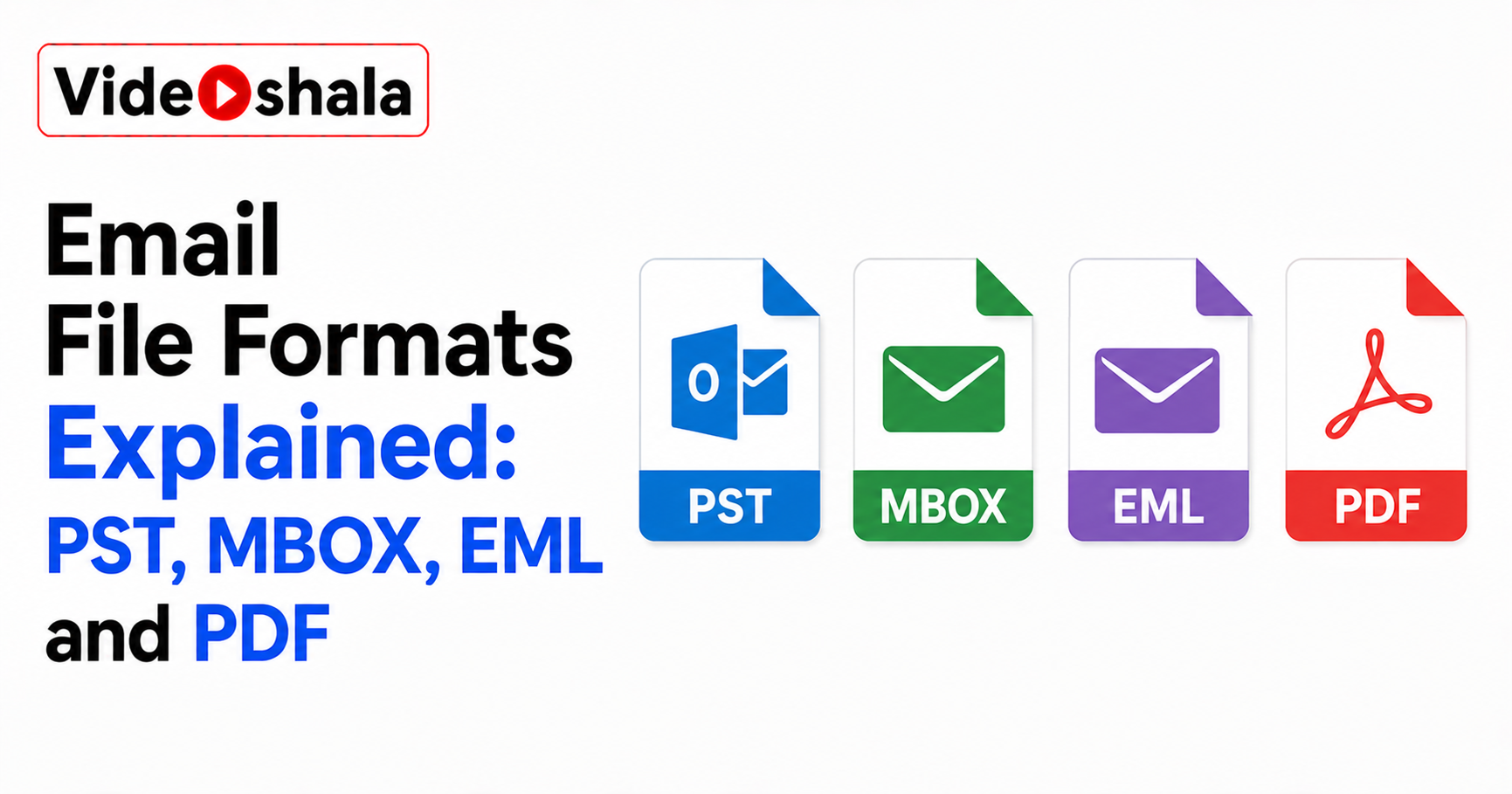
With default POP, if that one computer is lost, stolen or wiped, the mail is gone with it. There is no synced copy on your phone and nothing on the server to restore from. Different devices also drift out of step, since each one grabs its own mail and the others never see it. For most people today, that fragility is why POP has fallen out of favour. If you did keep mail via POP, those local files behave like the formats in our guide on email file formats.
So which should you use?
For nearly everyone in 2026, the answer is IMAP. You almost certainly check mail on a phone and a computer, so IMAP keeps them in sync without a thought. Choose POP only if you genuinely use a single device, want your mail stored on that machine and are happy without any sync.
Pick IMAP for sync and access anywhere; pick POP only for a deliberate, single-device, local setup. Whichever you use, remember that neither one is a backup. IMAP puts every egg in the server basket and POP puts them all on one device, so a real copy kept somewhere separate is still the only thing that protects your mail. Our guides on how an email backup tool works and recovering deleted email pick up from there.