Most email signatures fail one of two ways. They are either bare, just a first name in lowercase that gives the recipient no way to reach you outside this thread. Or they are an overstuffed digital business card with three phone numbers, six social icons, two logos, a quote from Steve Jobs and a 40-word legal disclaimer. Both versions waste the only piece of real estate Google, your customers and recruiters consistently see: the bottom of every email you send.
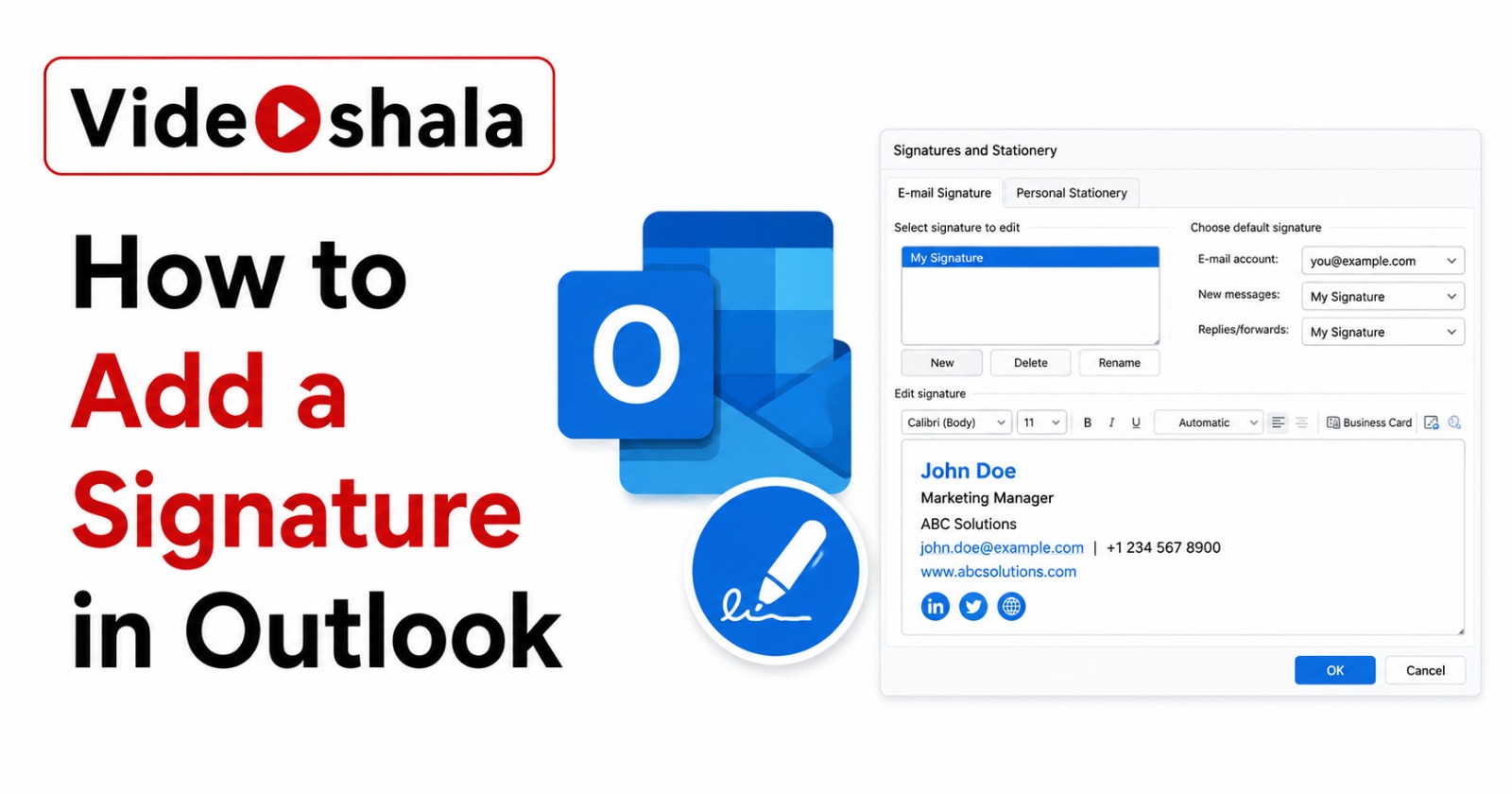
A good signature does three things. It tells a stranger who you are, what you do and how to reach you. That is the whole job. This guide gives you a tiered template you can copy in five minutes, role-specific examples for common professions in India and a clear anti-pattern list so you stop adding bloat. If you also need the technical steps for setting up the signature in your email client, see our guides on adding a signature in Outlook for desktop and web.
The four-line signature rule
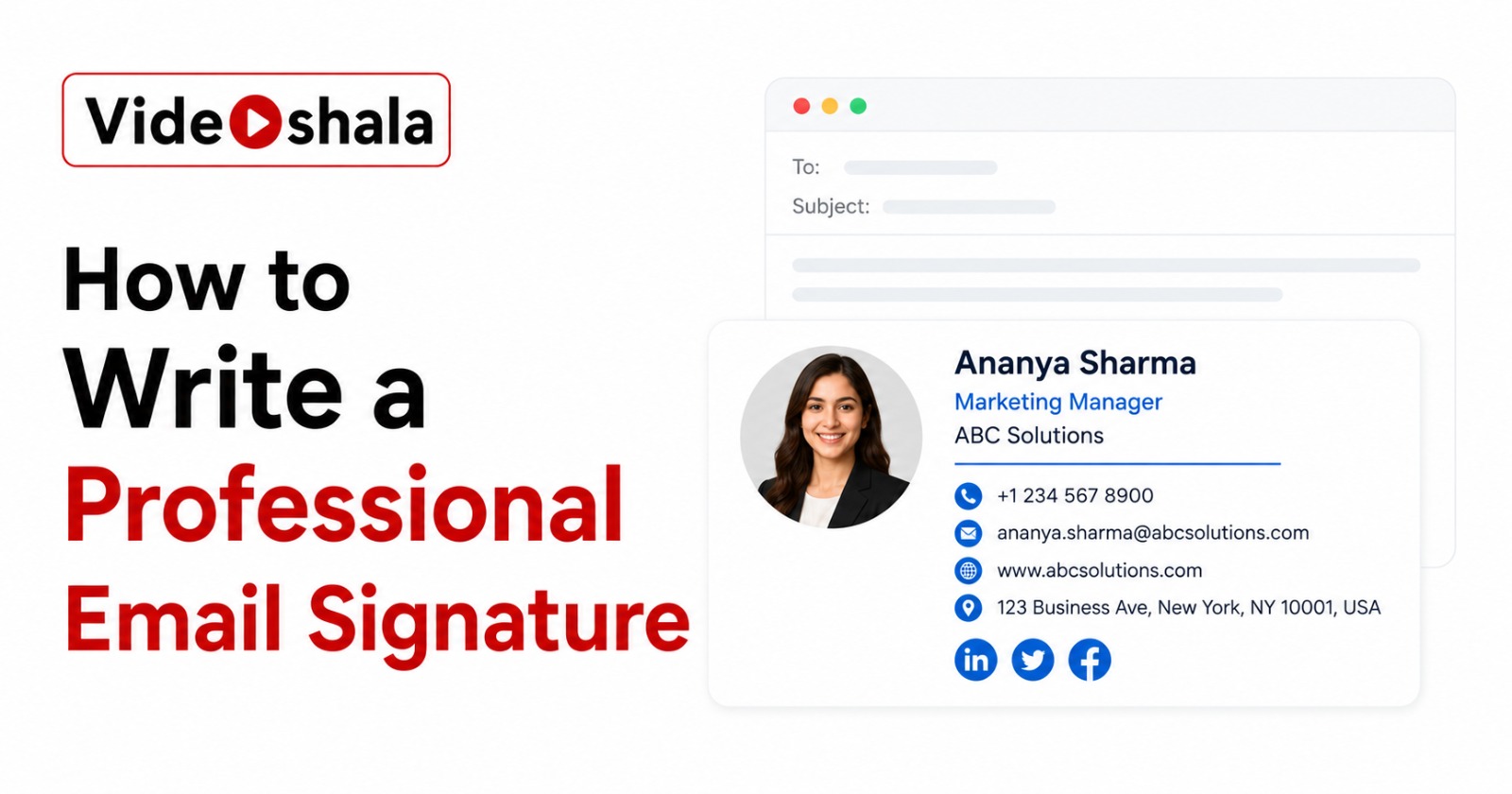
The ideal signature is four lines. Each line earns its place.
| Line | Content |
|---|---|
| Line 1 | Your full name (bold if HTML) |
| Line 2 | Job title, Company name |
| Line 3 | Direct phone number (with country code) |
| Line 4 | Company website or one social link |
That is the entire signature. Four lines is enough for a stranger to verify who you are, understand your role and contact you outside email if the thread goes cold. Six lines is the upper limit before clutter starts to dominate. If you find yourself wanting line 7, ask whether the reader genuinely needs that information to reply.
The tiered template (copy and adapt)
Three tiers. Pick the one that matches your role.
Tier 1: Minimum viable signature
For developers, engineers, internal corporate roles, anyone whose name and title carry the email. You do not need to advertise yourself.
Tier 2: Standard professional signature
For most desk roles: managers, consultants, account leads, HR, anyone whose recipients sometimes need to find a profile.
Tier 3: Client-facing signature with hook
For sales, real estate, consultants and freelancers where the signature is also a soft pitch. Adds one calendar link or specific call-to-action that benefits the recipient.
That last line is the only one doing marketing work and it has to give the recipient something, not promote you. "Book a 20-min call" is useful. "Award-winning sales pro" is not.
Role-specific examples
Same four-line rule, adapted to the genuine information needs of each role.
Developer or technical role
Why this works: GitHub link is the developer's portfolio. Website beats LinkedIn for technical credibility. Phone last because most reach-outs are async anyway.
Founder or solopreneur
Why this works: company website front and centre. A founder's signature is also a company introduction. No clutter, no "follow us" plea.
Sales or business development
Why this works: calendar link as the action. Phone above the link because sales-cycle recipients still pick up the phone. LinkedIn included because B2B sales is a profile-checking world.
Freelancer or consultant
Why this works: portfolio is the lead. Phone deliberately omitted because consultants set their own contact rules. The "available for projects" line tells repeat clients you are taking work without coming across as desperate.
Government, banking or formal sector
Why this works: explicit branch reference establishes authority. No social links because formal-sector communication runs through institutional channels. Office landline is standard for banking and government.
Student or early career
Why this works: institution name and degree status do the work that a job title cannot. LinkedIn for any recruiter who wants more. Phone last because most outreach is async.
The hierarchy matters
Order matters more than people think. Eyes track top to bottom and the first piece of information sets the tone for everything below.
- Name first, always. Larger or bold if HTML allows. Without a name, every other line is orphaned.
- Title and company on line 2. This is the credibility line. "Software Engineer" anchors who you are. "Acme Pvt Ltd" anchors where you sit. Combined on one line saves space.
- Phone before email on line 3. The recipient already has your email (they are reading it). Phone is the new information.
- One link on line 4. Pick the single link the recipient is most likely to need: company website for sales, portfolio for creatives, GitHub for engineers, LinkedIn for managers. One. Not three.
Anti-patterns: what to never include
The fastest way to improve a signature is to delete things. Every item below is a common pattern that subtracts value.
| Anti-pattern | Why it hurts |
|---|---|
| Motivational quotes ("Live, Laugh, Lead") | Reads as filler. Recipients silently lose respect. There is no scenario where a quote helps you get a reply. |
| Sent from my iPhone (when you are at a desk) | Either you really are on a phone (fine) or you are pretending to look casually busy (transparent). Remove from desktop signature. |
| Home address | Security risk. Office address only if you genuinely receive mail there. |
| Six social media icons in a row | Decision paralysis. Recipient clicks none. Pick one platform, the one you actually maintain. |
| 20-line confidentiality disclaimer | Provides no legal protection in most jurisdictions. Bloats every reply. If legally required, keep it under five lines. |
| Animated GIFs or moving logos | Many email clients strip them. The ones that do not strip them mark the email as suspicious. |
| Every certification you have earned | Certifications belong on LinkedIn. The one or two most relevant ones can go in the title line ("Priya Sharma, CFA"). |
| Image-only signatures (whole signature is one JPG) | Unsearchable, breaks for accessibility, fails when images are blocked. A recipient on mobile sees a broken-image icon and nothing else. |
| Stock photo banners selling your service | Looks like spam. Banners reduce reply rates rather than improving them. |
Formatting that survives across clients
Your signature has to render correctly on at least Gmail, Outlook, Apple Mail, mobile Gmail and mobile Outlook. Anything fancy that works in one will break in another.
- Plain text is the safest format. No fonts, no colours, no logos. Works everywhere, always. Looks slightly less polished but never broken.
- If using HTML, stay simple. Black text on transparent background. One accent colour for the company name or one link. No background images, no borders.
- Use system fonts only. Arial, Helvetica or sans-serif. Custom Google Fonts get stripped by most clients.
- Test in dark mode. Email clients increasingly show signatures on dark backgrounds. Black text on a transparent background becomes invisible. Use medium grey (#333) instead of pure black if you want to be safe in both modes.
- Logos stay under 150px wide and 80KB. Anything larger bloats reply threads and may trigger image-blocking heuristics.
- Hyperlinks use a contrasting colour. Underlined links work, but if you remove the underline (a common designer move), the colour difference must be obvious. A blue link on dark grey text is fine. A dark grey link on dark grey text is invisible.
Once the wording is settled, the actual setup in your email client takes 60 seconds. For Outlook, follow our step-by-step guide for all five Outlook versions. Gmail uses Settings, See all settings, General, Signature.
Different signatures for different contexts
One signature is not enough for most working professionals. Set up two or three and switch between them based on the audience.
| Context | Signature variant |
|---|---|
| New emails to external recipients | Full Tier 2 or Tier 3 signature with all four lines. |
| Replies in an existing thread | Short version: name + one phone number. Two lines maximum. The recipient already has your full details from the original email. |
| Internal company emails | Just your first name or first name + extension. Internal colleagues do not need your company name or website. |
| Cold outreach or sales | Tier 3 with a clear calendar link or single CTA. No more than one ask. |
Quick checklist before you save
Run through this list with your draft signature open. Anything you cannot defend gets deleted.
- Is my name on line 1 and easy to read?
- Can a stranger reach me by phone using only this signature?
- Have I kept it under six lines total?
- Are all links pointing to working profiles or sites I actually update?
- Did I delete any motivational quote, pronoun (unless your workplace uses them as a norm) or "Sent from my iPhone"?
- Does it render correctly on a phone? (Send a test email to yourself and check.)
- Is the reply-thread version (line 1 plus phone) saved as a separate signature?
If you also need help with related email setup, see our guides on email forwarding in Gmail, scheduling emails in Gmail and enabling two-factor authentication on your Gmail account.